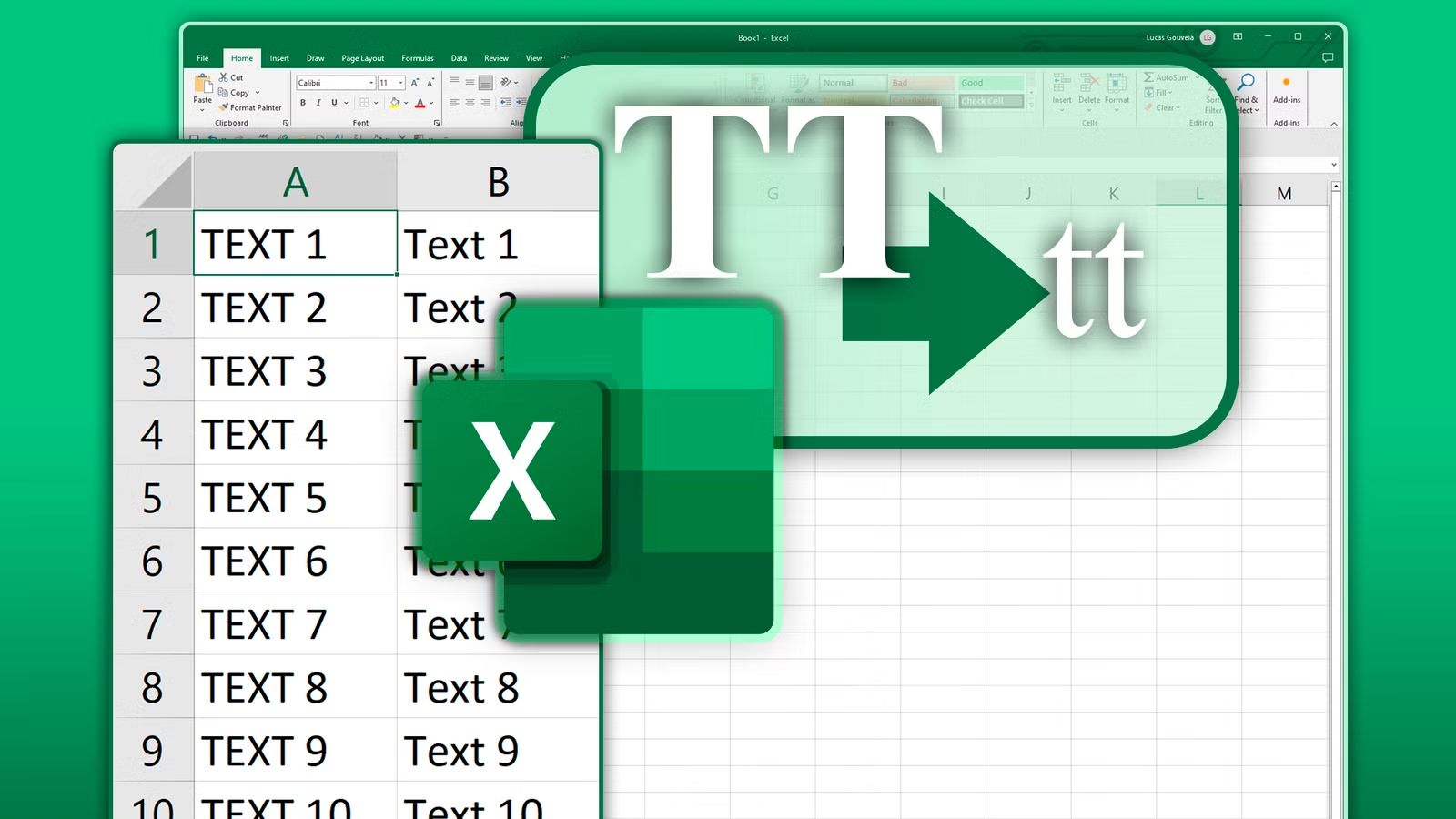
このデジタル時代では、プレゼンテーションはコンテンツと同じくらい重要です. メールを書いている場合, Web サイトやレポートのコンテンツを作成する, または画像を作成する, テキストの書式設定は重要な役割を果たします 読みやすさとインタラクションにおいて. ユーザーが直面する最も一般的な書式設定の問題の 1 つは、テキストが 大文字. 大文字を使用すると他の人の注意を引く可能性がありますが、, 専門的ではなく、理解するのが難しいと思われるかもしれません.
このガイドでは、知っておくべきことをすべて説明します。 小文字から大文字への変換 シンプルなテクニックと実用的な提案、コンテンツをより魅力的でプロフェッショナルかつ SEO フレンドリーにするためのツールを提供します。.
テキストの書式設定が重要な理由
テキストの書式設定は見た目の美しさだけを重視するものではありません, それは理解力に影響を与える, 可読性, さらにはユーザーエンゲージメントも. 大文字のテキストを誤って使用すると、さまざまな悪影響が生じる可能性があります:
- 可読性の低下 人間の目は、小文字の単語を大文字よりも速く読み取ります。. 大文字の長い段落は読むのが疲れる.
- 知覚されたトーン すべて大文字のテキストは、頻繁にうるさく、場合によっては攻撃的であると認識されます。. 視聴者に不快感を与える可能性があります.
- プロ意識: ブログにおける大文字の不適切な使用, ビジネス上のコミュニケーションや電子メールは洗練されていないように見える可能性があります.
- SEOとユーザーエンゲージメント 適切にフォーマットされた読みやすいテキストにより、ユーザーはサイトに長く留まることができます, それによりSEOが向上します.
テキストを大文字から小文字に変換すると、読みやすさが向上するだけではありません, また、コンテンツのアクセシビリティとプロフェッショナルな外観も向上します.
大文字と小文字を理解する

変換方法を検討する前に、大文字と小文字の区別を理解することが重要です.
- 小文字 大文字としても知られています. それらは一般的に強調するために使用されます, 見出しまたは頭字語, 文の始めにも. 例: こんにちは世界
- 小文字 これは、標準的な文章の構成に使用される通常の文字です。. 例: こんにちは世界!
小文字と大文字を組み合わせて効率的に使用すると、コンテンツ フローが増加します。, 素材のアクセシビリティに加えてスタイルも重要.
大文字を小文字に変換する方法
大文字のテキストを小文字に変換するにはさまざまな方法があります. 決定は、希望するワークフローのタイプに基づいて行われます, あなたのプラットフォーム, そして個人的な好み.
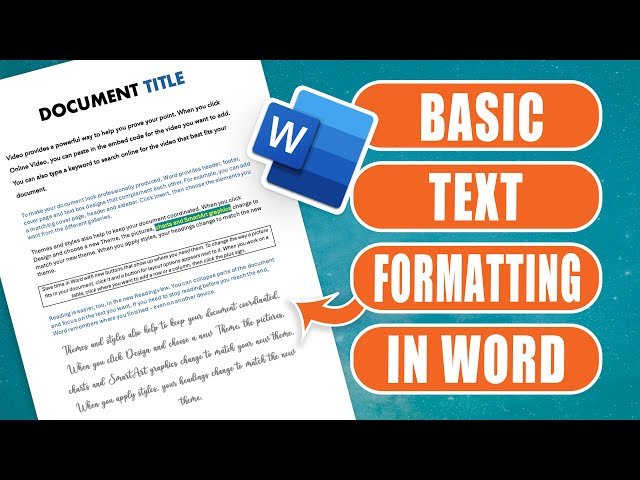
1. Microsoft Wordの使用
Microsoft Word はテキスト編集に最もよく使用されるツールの 1 つです. 大文字のテキストを小文字のテキストに変換する簡単な方法を提供します:
- 変更するテキストを必ず強調表示してください.
- 「ホーム」タブをクリックします. 家 タブ.
- をクリックするだけです 大文字と小文字を変更する ボタン (大文字 “あ” そして小文字 “a”).
- 選択する 小文字.
これにより、内容を変更することなくテキストが即座に変換されます. Word では小文字を切り替えることもできます, タイトルだけでなく大文字も, ニーズに応じてテキストを変更できるようになります.
2. Google ドキュメントの使用
Google ドキュメントは共同執筆に広く使用されており、簡単に大文字を使用できるツールを提供します:
- 言葉を強調表示してください.
- クリック フォーマット用 左側のメニューで.
- マウスオーバーします 文章 – クリック 大文字の使用 – 選択する 小文字.
テキストはすぐに小文字に変わります. このテクニックは、クラウドベースまたはチームベースのドキュメントで特に有益です。.
3. Excel を使用して一括データを作成する
スプレッドシート Excel を使用して作業する場合は、 機能下限() 特徴 大文字のテキストを高速に変換するのに役立ちます:
- A1 セルにメッセージがあるとします。. 別のセルに次のように入力します:
- Enterを押してください Enterを押してください, テキストが小文字に変わります.
- 数式を下にドラッグすると、複数の行で使用できます。.
- このアプローチはデータベースに最適です, リスト, またはフォーマットが必要なその他の大量のデータ.
4. 迅速な変換のためのオンライン ツール
Word や Google ドキュメントなどのプログラムをお持ちでない場合, オンラインのテキストコンバーターは便利です:- 大文字のテキストをコピーします.
- これをオンラインコンバーターにコピーします.
- 選択する 小文字.
- 次に、変換したテキストをコピーしてドキュメントに戻します.
- これらのツールは高速でデバイスに依存しません. インストールは必要ありません. 文章を書く人に最適です。, 市場だけでなく、迅速なソリューションを必要とする学生も.
5. 高速編集のためのキーボード ショートカット
多くのテキスト編集ソフトウェアでは、ユーザーがキーボード ショートカットで大文字と小文字を変換できます。.- マイクロソフトワード: テキストを強調表示する, それから使用します シフト + F3 キャップを切り替えるには, 小文字とタイトルの大文字.
- Googleドキュメント 使用する方法はありませんが、, を使用して テキスト形式 – 大文字のフォーマット – 小文字 迅速かつ効果的です.
- キーボードショートカットは時間を節約するのに役立ちます, 特に大きなファイルや電子メールを編集する場合.
小文字のテキストの利点
テキストを小文字から大文字に切り替えると、読みやすさにさまざまなメリットがもたらされます。, トーン, SEOだけでなく:- 可読性の向上 小文字により、読者は目を楽に動かすことができるため、緊張が軽減され、理解力が向上します。.
- プロフェッショナルな外観 小文字のテキストは視覚的に滑らかに見え、フォーマルなコミュニケーションではより洗練されたように見えます.
- より高いエンゲージメント: 読みやすいコンテンツにより、顧客はウェブサイトに長く留まることができます, エンゲージメントとSEO指標の向上.
- 適合 一貫したケース形式により、コンテンツの信頼性と専門性が高まります.
テキストケースの使用に関するベストプラクティス
テキストを大文字から小文字に変更することは重要ですが、テキストの大文字と小文字を効果的に使用することも同様に重要です. ここではいくつかの最良の方法を紹介します:
- 大文字は控えめに使用する: すべての大文字を見出しに制限する, 頭字語または強調用. 大文字を多用しすぎるとプロフェッショナルらしくないと思われる可能性があります.
- 段落の大文字と小文字を区別する 定型文がわかりやすい.
- 見出しのタイトルケース わかりやすくし、SEO を向上させるために、見出しやタイトルでは最も重要な単語を必ず大文字にしてください。.
- 一貫性が重要です: すべてのコンテンツにわたって均一性を確保する – ブログ投稿, メールだけでなくソーシャルメディアも.
- 避けるべきよくある間違い
- 大きなブロックを大文字のままにする: これは読者にとって圧倒的かもしれません. 必要に応じて常に段落を小文字に変更してください.
- 大文字と小文字の一貫性のない使用: 大文字と小文字をランダムに切り替えると、読者が混乱する可能性があります.
- 校正なしでオンラインツールを活用 いくつかのコンバータは特殊文字やスペースを変更する可能性があります. 常にテキストを確認してください.
- 大文字と小文字の変換が SEO を改善する方法
適切にフォーマットされたテキストの品質はユーザー エクスペリエンスを向上させ、SEO の重要な側面となります。. 以下はその方法です 小文字の変換 助けることができる:- 直帰率の低下 コンテンツを読む機能により、ユーザーはページに長く留まることができます.
- さらに関与する: 適切な書式設定により、コメントだけでなく共有や交流も促進されます.
- 強化されたクローラビリティ: 明確で構造化されたテキストは、検索エンジンが投稿したコンテンツをよりよく理解するのに役立ちます.
- コンテンツ戦略で小文字のテキストを正しく利用することは、以下に重点を置いた最新の SEO 実践に沿っています。 読解力とユーザーエクスペリエンス.
大文字を楽に使うためのヒント 小文字の変換- 書式をデザインする どの大文字が必要かを決定する (見出しと強調) 小文字が好ましい場合.
- 組み込みのソフトウェア機能を利用する: Wordなどのツール, ドキュメント, と Excel は、大文字と小文字を変換するための迅速な代替手段を提供します.
- 必要なときにオンラインツールを利用する: ソフトウェアのインストール不要で素早い変換が可能.
- 変換後の校正: 句読点を確認する, 変換後、スペースと大文字小文字は正しくなります.
- チームを学ぶ: 共同作業する場合は、すべてのコンテンツに同じ大文字と小文字を使用します。.
- 実際のアプリケーション
1. ビジネスコミュニケーション
レポート, テキストが明確であれば、電子メールやプレゼンテーションはよりプロフェッショナルに見えます. 重要な点を強調する場合を除き、すべて大文字を使用しないでください.
2. ブログ & コンテンツライティング
テキストを大文字から小文字に変換すると、ブログ投稿が理解しやすく、視覚的に魅力的なものになります。. 検索エンジンはユーザーエクスペリエンスを向上させるコンテンツも好みます.
3. ソーシャルメディアマーケティング
適切にフォーマットされたテキスト形式のソーシャル メディア投稿は、より多くの人を惹きつけるでしょう。. すべての大文字に注目が集まりますが、叫んでいるとみなされる可能性があります. 大文字と小文字をバランスよく使用すると、より魅力的になります.
結論
大文字のテキストを簡単に小文字に変換 書式設定の基本的な変更以上のものになる可能性があります. プロへの大切な一歩です, 明確でSEOに適した素材. あなたがブロガーマーケターの学生であっても, ビジネスのプロフェッショナル, テキストを小文字に変更すると理解が深まる可能性があります, トーン, そしてエンゲージメント.
Microsoft Wordなどのツールを活用する, Googleドキュメント, Excel, オンラインコンバーターまたはキーボードショートカットを使用すると、プロセスをスムーズに行うことができます. これをケースを使用するためのトップ プラクティスに追加すると、サイトがより魅力的に見えるだけでなく、, オンラインでもパフォーマンスが向上します.
テキストの正しい書式設定に数分を費やせば、コンテンツの閲覧方法とユーザーの閲覧方法に大きな影響を与えます。. 大文字のテキストを小文字に変換するプロセスを今すぐ開始して、コンテンツを改善しましょう.