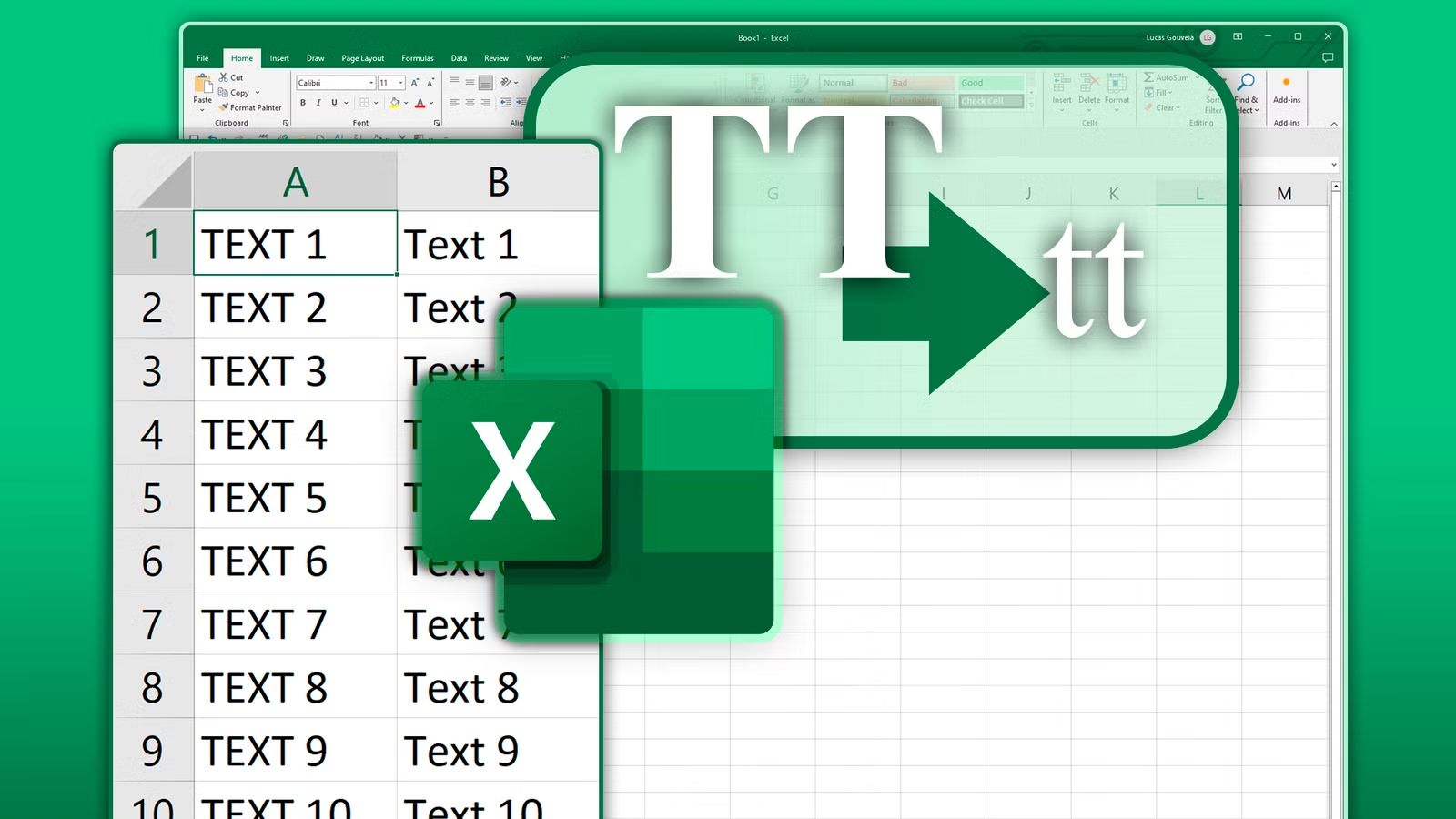
Šajā digitālajā laikmetā prezentācija ir tikpat svarīga kā saturs. Ja rakstāt e-pastus, satura izveide vietnēm un pārskatiem, vai veidojot attēlus, teksta formatēšanai ir būtiska nozīme lasāmībā un mijiedarbībā. Viena no visbiežāk sastopamajām formatēšanas problēmām, ar ko saskaras lietotāji, ir teksts lielo burtu. Lai gan lielo burtu lietošana var piesaistīt citu uzmanību, tas var šķist neprofesionāli un grūti saprotami.
Šī rokasgrāmata sniegs jums visu, kas jums jāzina mazo burtu pārvēršana par lielajiem burtiem ar vienkāršiem paņēmieniem, kā arī praktiskiem ieteikumiem, kā arī rīkiem, lai padarītu jūsu saturu pievilcīgāku profesionāli un SEO draudzīgāku.
Kāpēc teksta formatēšana ir svarīga
Teksta formatēšana nav saistīta tikai ar estētiku, tas ietekmē izpratni, lasāmība, un pat lietotāju iesaistīšanās. Nepareiza lielo burtu izmantošana var radīt vairākas negatīvas sekas:
- samazināta lasāmība Cilvēka acs nolasa vārdus ar mazajiem burtiem ātrāk nekā lielos. Garas rindkopas ar lielajiem burtiem ir nogurdinoši lasīt.
- Uztvertais tonis Visu lielo burtu teksts bieži tiek uztverts kā skaļš vai dažreiz agresīvs. Tas var likt jūsu auditorijai justies neērti.
- Profesionālisms: Nepiemērots lielo burtu lietojums emuāros, biznesa saziņas vai e-pasta ziņojumi var izskatīties neslīpēti.
- SEO un lietotāju iesaistīšanās Labi formatēts un lasāms teksts ļaus lietotājiem atrasties jūsu vietnē ilgāk, tādējādi uzlabojot SEO.
Pārvēršot tekstu no lielajiem burtiem uz mazajiem burtiem, jūs ne tikai uzlabosit lasāmību, jūs arī uzlabojat sava satura pieejamību un profesionālo izskatu.
Lielo un mazo burtu izpratne

Pirms sākat pētīt konvertēšanas veidus, ir svarīgi saprast atšķirību starp lielajiem un mazajiem burtiem.
- Mazie burti Tos sauc arī par lielajiem burtiem. tos parasti izmanto, lai uzsvērtu, virsraksti vai akronīmi, kā arī sākt teikumus. Piemērs: SVEIKA PASAULE
- Mazie burti Šie ir parastie burti, kas tiek izmantoti standarta teikuma konstrukcijā. Piemērs: Sveika pasaule!
Efektīva mazo un lielo burtu kombinācija var palielināt satura plūsmu, stilu papildus jūsu materiāla pieejamībai.
Lielo uz mazo burtu pārveidošanas metodes
Ir dažādas metodes lielo burtu teksta pārvēršanai par mazajiem burtiem. Lēmums tiek pieņemts, pamatojoties uz vēlamo darbplūsmas veidu, jūsu platforma, un personīgās izvēles.
1. Izmantojot Microsoft Word
Microsoft Word ir viens no visbiežāk izmantotajiem teksta rediģēšanas rīkiem. Tā piedāvā vienkāršu metodi lielo burtu teksta pārveidošanai par mazajiem burtiem:
- Noteikti iezīmējiet tekstu, kuru vēlaties mainīt.
- Noklikšķiniet uz cilnes Sākums. mājas cilne.
- Vienkārši noklikšķiniet uz Mainīt lietu pogas (lielais burts “A” un mazie burti “izšķirt”).
- Atlasīt mazie burti.
Tas nekavējoties pārvērš jūsu tekstu, nemainot saturu. Word arī ļauj pārslēgties starp mazajiem burtiem, lielie burti, kā arī virsraksts, dodot jums iespēju mainīt tekstu atbilstoši jūsu vajadzībām.
2. Izmantojot Google dokumentus
Google dokumenti tiek plaši izmantoti, lai kopīgi rakstītu, un tas nodrošina vienkāršu lielo burtu lietojuma rīku:
- Noteikti izceliet savus vārdus.
- Noklikšķināt Formātam kreisajā izvēlnē.
- Virziet kursoru virs Teksts – Noklikšķināt Lielo burtu lietojums – Atlasīt mazie burti.
Teksts nekavējoties tiks mainīts uz mazajiem burtiem. Šī metode ir īpaši noderīga mākoņdatošanas vai komandas dokumentos.
3. Excel izmantošana lielapjoma datiem
Ja strādājat, izmantojot Excel izklājlapas funkcija LOWER() iezīmēt var palīdzēt ātri pārvērst lielos burtus:
- Pieņemsim, ka jūsu ziņojums ir A1 šūnā. Ievadiet citā šūnā:
- Nospiediet Enter Nospiediet Enter, un teksts tiks mainīts uz mazajiem burtiem.
- Formulu var vilkt uz leju, lai to varētu izmantot vairākās rindās.
- Šī pieeja ir lieliska datu bāzēm, sarakstus, vai jebkurš cits liels datu apjoms, kam nepieciešama formatēšana.
4. Tiešsaistes rīki ātrai konvertēšanai
Ja jums nav tādu programmu kā Word vai Google dokumenti, tiešsaistes teksta pārveidotāji var būt noderīgi:- Kopējiet tekstu ar lielajiem burtiem.
- Kopējiet to tiešsaistes pārveidotājā.
- Atlasīt mazie burti.
- Pēc tam pārkopējiet konvertēto tekstu atpakaļ savā dokumentā.
- Šie rīki ir ātri un neatkarīgi no ierīces. Viņiem nav nepieciešama uzstādīšana. Tie ir ideāli piemēroti tiem, kas raksta, tirgus, kā arī studentiem, kuriem nepieciešami ātri risinājumi.
5. Tastatūras īsinājumtaustiņi ātrai rediģēšanai
Daudzas teksta rediģēšanas programmatūras ļauj lietotājiem konvertēt gadījumus, izmantojot īsinājumtaustiņus.- Microsoft Word: Iezīmējiet tekstu, tad izmantojiet maiņa + F3 lai pārslēgtos starp burtiem, mazie burti un virsraksta reģistrs.
- Google dokumenti Lai gan to nav iespējams izmantot, izmantojot Teksta formāts – Formāts Lielo burtu lietojums – Mazie burti ir ātra un efektīva.
- Tastatūras īsinājumtaustiņi palīdz ietaupīt laiku, particularly when editing large files or emails.
Benefits of Lowercase Text
The switch from lowercase to uppercase text can provide multiple benefits to the readability, tone, as well as SEO:- Better Readability The lowercase lettering allows readers their eyes to move effortlessly which reduces strain and improves comprehension.
- Professional Appearance Lowercase text appears visually smooth and looks more polished in formal communications.
- Higher Engage: Readable content keeps customers on your website for longer, increasing engagement as well as SEO metrics.
- Conformity Consistent case format increases your content’s credibility and professionalism.
Best Practices for Text Case Usage
While changing text from uppercase to lowercase is crucial making use of text case effectively is equally crucial. Šeit ir dažas labākās metodes:
- Use uppercase sparingly: Limit all caps to headings, acronyms or for emphasis. The use of too many caps can look unprofessional.
- Keep Sentence Case for Paragraphs The standard sentence case is easy to comprehend.
- Title Case for Headlines Make sure you capitalize the most important words in headings and titles to improve clarity and improve SEO.
- Consistency is Important: Ensure uniformity across all of your content – emuāra ieraksti, emails as well as social media.
- Biežākās kļūdas, no kurām jāizvairās
- leaving large blocks in uppercase: This can be overwhelming for readers. Always change paragraphs to lowercase whenever necessary.
- Inconsistent Use of Case: Switching randomly between uppercase and lowercase characters can be confusing for readers.
- Utilizing Online Tools without proofreading A few converters could modify special characters or spacing. Always check your text.
- How Case Conversion Improves SEO
The quality of text that is formatted properly improves the user experience and is an important aspect of SEO. Below is how lowercase conversion can help:- Lower Bounce Rate The ability to read content will keep users on the page for longer.
- More Engage: Proper formatting encourages comments as well as shares and interactions.
- enhanced crawlability: Clear and structured text aids search engines in understanding the content you post better.
- Utilizing lowercase texts correctly in your content strategy is in line with the most current SEO practices that are focused on reading comprehension and user experience.
Tips for Effortless Uppercase to Lowercase Conversion- Design Your Formatting Determine which uppercase characters are required (headings and emphasis) and when lowercase is preferred.
- Utilize built-in software features: Tools like Word, Dokumenti, and Excel offer quick alternatives for case conversion.
- Utilize Online Tools when You Need It: Quick conversion is feasible without the need for the installation of software.
- Proofread Following Conversion: Ensure punctuation, spacing and capitalization are correct after conversion.
- Learn your team: When working in a collaborative manner use the same case for all the content.
- Real-Life Applications
1. Business Communication
Pārskati, emails and presentations appear more professional if the text is clear. Do not use all caps unless you are emphasising important points.
2. Blogging & Satura rakstīšana
Converting text from uppercase to lowercase makes sure that your blog posts are easy to comprehend and visual attractive. Search engines also like content that improves user experience.
3. Social Media Marketing
Social media posts that are properly formatted text formatting will attract more people to engage. Attention can be drawn to all caps but they can be considered to be shouting. The use of uppercase in a balanced way with lowercase can be more appealing.
Secinājums
An effortless higher-case text to lowercase can be more than a basic modification to formatting. It’s an important step towards professional, clear and SEO-friendly material. No matter if you’re a blogger marketer student, professional in business, changing your text to lowercase can improve understanding, tone, and engagement.
Utilizing tools such as Microsoft Word, Google dokumenti, Excel, online converters or keyboard shortcuts you can make the process smooth. Add this to top practices for using case and your site won’t just look more appealing, but also perform better online.
Spending a few minutes on the correct formatting of your text will make a big impact on how your content is viewed and is viewed by. Start the process of converting uppercase text into lowercase today and improve your content.