
Do you want to Connect Baseus Encok W01 Earbuds to your devices? The Baseus Encok W01 is the best choice comes with a battery life of 6 години, HFP, HSP, A2DP, AVRCP, SPP, PBAP compatibility, Bluetooth 5.0, a charging case with a battery of 2000mAh, the IPX4 sweat and dust-resistant certification, і багато іншого.
But here we learn how to Connect Baseus Encok W01 Навушники на ваші пристрої. Так, Давайте розпочнемо!
How to Connect Baseus Encok W01 Earbuds?
Підключення Baseus Encok W01 Earbuds to your devices is a simple process. To connect them to your devices follow the below given steps carefully.
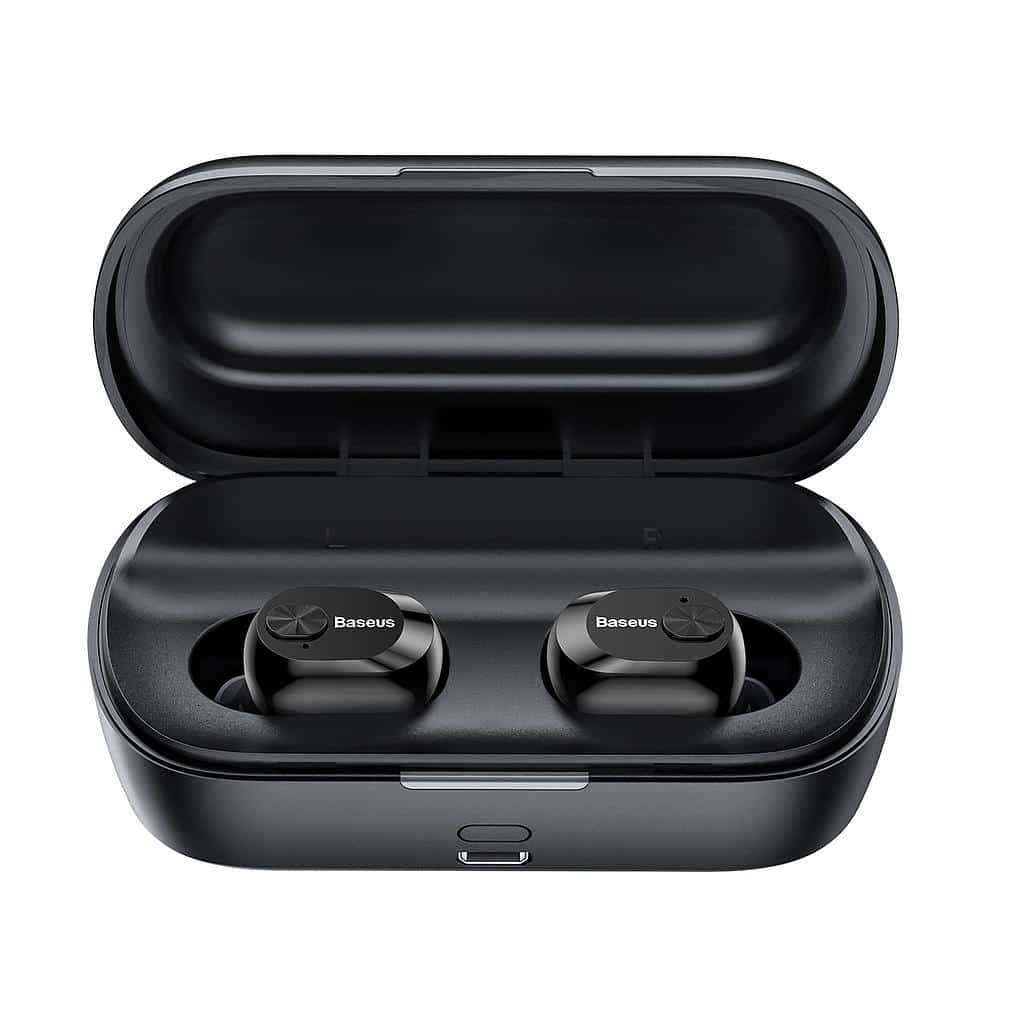
Connect Baseus Encok W01 Earbuds with Android
- Перший,відкрийте зарядний футляр і вийміть навушники. Після того, a blue light will be on for 1 другий, і вони ввімкнуться автоматично.
- A blue light will start flashing in both earbuds when a blue light starts flashing quickly on the left earbud and once every 5 seconds on the right earbud, it means that the earbuds are now in pairing mode.
- Зараз, go to the Android device’s Bluetooth settings.
- Потім, select Baseus Encok W01. Якщо буде запропоновано ввести пароль, типу 0000.
- Після того, буде виконано процес створення пари.

Connect Baseus Enock W01 Earbuds with PC
- Поперше, turn on the Window’s Bluetooth.
- Зайдіть в налаштування, and go to Bluetooth and other devices.
- Потім, click on Add device and click on Bluetooth.
- Потім, відкрийте зарядний футляр і вийміть навушники. Після того, a blue light will be on for 1 другий, і вони ввімкнуться автоматично.
- When a blue light starts flashing quickly on the left earbud and once every 5 seconds on the right earbud, it means that the earbuds are now in pairing mode.
- Select Baseus Encok W01. If ask for a password, типу 0000.
- Після того, буде виконано процес створення пари.
How to Wear the Earbuds?
- Take out both earbuds from the charging case and identify the left and right earbuds. Виберіть вушні вкладиші, які найкраще підходять для ваших вух.
- Вставте вкладиші у внутрішній канал вух.
- Rotate the earbuds for the best possible comfort and best fit, і переконайтеся, що мікрофон направлений до рота.
How to Turn On and Off the Earbuds?
Turn On
There are two methods to turn on the earbuds.
1: Автоматично
2: Вручну
Автоматично
- To automatically turn on the earbuds open the charging case and take the earbuds out.
- Після того, a blue light will be on for 1 другий, і вони ввімкнуться автоматично.
Вручну
- To manually turn on the earbuds press and hold the multifunction button on both earbuds for 2 секунд.
- Після того, a blue light will be on for 1 другий, and they will turn on.
Turn Off
There are two methods to turn off the earbuds.
1: Автоматично
2: Вручну
Автоматично
- In this method place the earbuds into the charging case.
- Після того, a red light will be on for 1 другий, and they will turn off automatically.
Вручну
- In this method press and hold the multifunction touch button on both earbuds for about 4 секунд.
- Після того, a red light will be on for 1 second and then will turn off.
Control Instructions
- Press the multifunction touch button on any of the earbuds one time to play or pause music.
- Натисніть і утримуйте багатофункціональну сенсорну кнопку на правому навушнику приблизно 1 second to play the next song.
- Натисніть і утримуйте багатофункціональну сенсорну кнопку на лівому навушнику приблизно 1 second to play the next song.
- Натисніть багатофункціональну сенсорну кнопку на будь-якому з навушників один раз, щоб відповісти на вхідний дзвінок.
- Press the multifunction touch button on any of the earbuds one time to end a current call.
- Press and hold the multifunction touch button on any of the earbuds for 2 секунд, щоб відхилити вхідний виклик.
- During a call, press and hold the multifunction touch button on the left earbud for 1 second to switch from the earbuds to the connected device. Do the same to switch back to the earbuds to the redial audio switch.
- When there is an incoming call, press the multifunction touch button on any of the earbuds once to answer the first call. When the second call is coming, press once to answer call 2, and press and hold to switch between them to a multi-party call.
How to Activate the Mono Mode?
To activate or deactivate the mono mode in the Baseus Encok W01, take out one of the earbuds from the charging case that you want to activate. Він почне працювати сам.

How to Charge the Earbuds?
Навушники
Щоб зарядити навушники, simply place them into the charging case and close it properly. Навушники почнуть заряджатися автоматично.
Зарядний футляр
Щоб зарядити зарядний футляр, all you have to do is connect the case to a USB charger or charging port. Він почне заряджатися автоматично.
Висновок
Connecting Baseus Encok W01 Earbuds to your devices is a simple process. You can Connect Baseus Encok W01 Earbuds to your devices by following the above-mentioned process. Так, all you need to know is how to Connect Baseus Encok W01 Earbuds. Сподіваємося, ця стаття вам дуже допоможе!