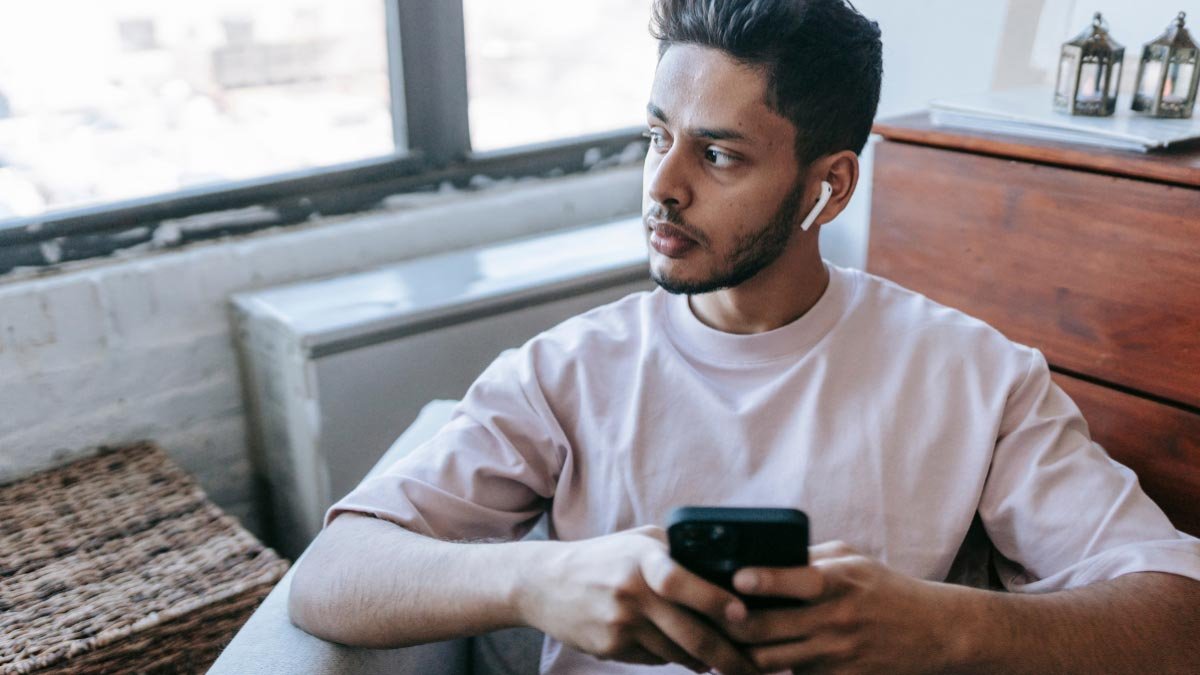
Do you want to pair Mifa x17 earbuds to your devices? Because Mifa x17 earbuds come with several features including wireless connectivity over Bluetooth version 5.0, wireless charging, and battery display on the charging case.
Le khasi Mifa x17 earbuds are designed for a secure and comfortable fit and provide a good listening experience. The Mifa x17 earbuds have an impressive battery and, the charging case provides a battery life of 30 hours when fully charged and the earbuds last up to 5 amahora ngenkokhiso eyodwa.
but on the other side, most people do not know how to pair Mifa x17 earbuds with their devices. Ngakho, kulesi sihloko, we give you a complete guide about these earbuds, like how to pair Mifa x17 earbuds, how to reset them, control instructions, how to activate them on mono mode, ukushaja, and all about.
For this let’s have a close look at this post.
Product Over View

How to pair Mifa x17 earbuds?
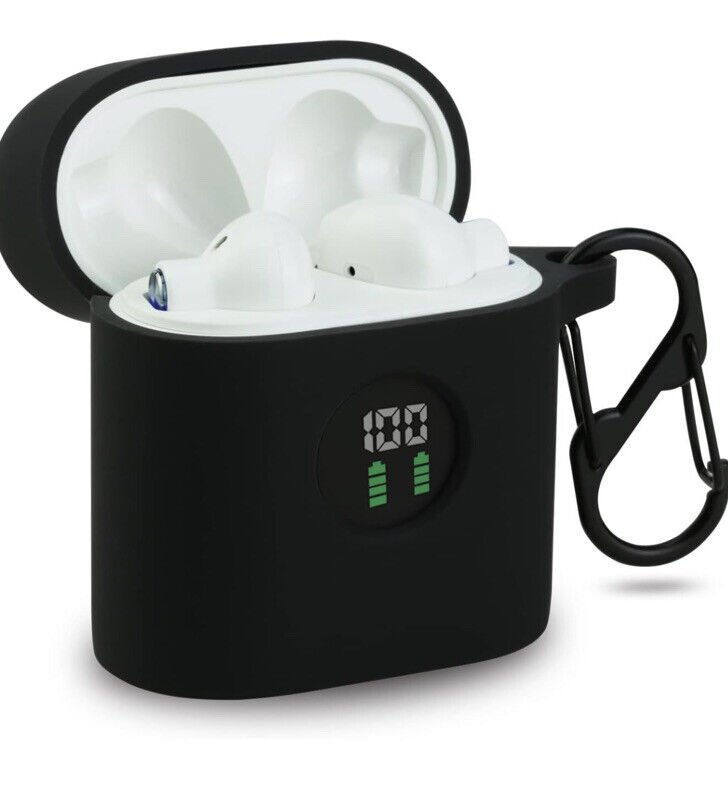
Pair Mifa x17 earbuds with different devices follow the given below instructions carefully without skipping any step
Pair to ISO and Andriod Phones
To pair Mifa x17 earbuds with ISO and Andriod Phones take these steps
- Okokuqala nje, take out the earbuds from the case a red light will flash for 1 okwesibili, futhi ama-earbuds azovula ngokuzenzakalelayo, after that a blue light starts flashing, and they will be ready to pair to any device.
Then go to the device settings and on the Bluetooth - Select Mifa x17 from the available list.
- But if needed a pin code type 0000.
- After the process, the blue light is turned off, futhi ukubhangqa kuzokwenziwa.
Pair to PC (IWindows)
To pair Mifa x17 earbuds with a I-PC (I-Windows) Landela lezi zinyathelo
- Turn on Bluetooth on the windows
- Go to settings
- Iya ku-Bluetooth namanye amadivayisi.
- Click on Add Devices
- Chofoza ku-Bluetooth.
- Khona-ke, khipha izindlebe ezivela ecaleni, a red light will flash for 1 okwesibili, futhi ama-earbuds azovula ngokuzenzakalelayo.
- But when a blue light starts flashing, they will be ready to pair to any device.
- Select Mifa x17 from the available list if needed a pin code type 0000.
- After the process, the blue light is turned off, futhi ukubhangqa kuzokwenziwa.
How to activate the Mono Mode
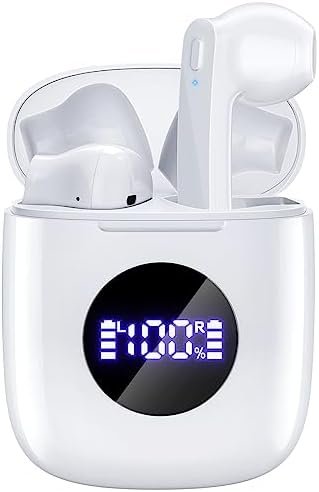
To activate the mono mode in the Mifa X17 earbuds, you have to take out the desired earbud from the charging case. Izoqala ukusebenza ngokwayo.
But if it does not work take out both earbuds from the charging case and pair them with your device as above steps.
Then now put back one of them in the case and use the other for listening.
Ungayilawula kanjani ithrekhi nezingcingo
- Press the multifunction touch button on any of the earbuds one time to Play or pause music.
- Press the multifunction touch button on any of the earbuds two times to Play the next song.
- Press the multifunction touch button on any of the earbuds three times to Play the previous song.
- Press and hold the multifunction touch button on any earbuds for about 1 second to Answer an incoming call.
- Press and hold the multifunction touch button on any earbuds for about 1 second to End a call.
- Press and hold the multifunction touch button on any earbuds for about 2 seconds to Reject an incoming call.
- Press and hold the multifunction touch button on any earbuds for about 3 seconds to Turn on/off mute mode while on a call.
- Press and hold the multifunction touch button on any earbuds for about 2 seconds to Activate the voice assistant.
Uyikhokhisa kanjani izindlebe kanye necala lokushaja?
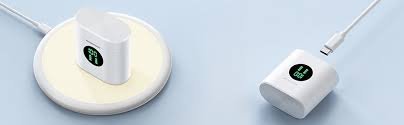
Izindlebe
To charge the earbuds put them into the charging case and close the lid properly. The earbuds will charge automatically.
Icala lokushaja
Connect the case to a USB charger or charging port with the included USB-A to C cable to charge the charging case. Izoqala ukushaja ngokuzenzakalelayo.
How to Reset the Mifa X17 Earbuds?
Delete Mifa X17 from the Bluetooth menu on your phone and deactivate the Bluetooth setting. Put the Voth earbuds in the charging case for a few seconds and take out them of the case. Press the multifunction touch button in both earbuds two times.
Now press and hold the multifunction touch button in both earbuds for a couple of seconds, until a blue light flashes quickly three times, and then a red light turns on for 2 imizuzwana. Ngemuva kwale nqubo, Ukusetha kabusha kuzokwenziwa.
Amathiphu okuxazulula inkinga
Suppose you have any trouble with the Pair Mifa x17 Earbuds with the device. Kunezinto ezimbalwa ongazama ukuxazulula inkinga. Okokuqala, Qiniseka ukuthi ama-EarBuds akhokhiswa ngokuphelele. Bheka ama-earbuds asebenza ngobubanzi obujwayelekile.
Zama ukusetha kabusha ifektri. Kepha uma ivolumu isethwe phansi, Ukulungisa lokhu kuhlanza izindlebe usebenzisa i-swab yekotoni noma uzihlanze nge-PIN ngokucophelela. Uma imakrofoni ingasebenzi noma uma imakrofoni ithulisiwe, Bheka ivolumu ye-microphone yedivayisi.
Uma lokho kungasebenzi, lokho kusho ukuthi kungase kube khona iphutha kuma-earbud. Ngakho, ama-earbuds awabhangqwana nanoma iyiphi ithuluzi. Okokuqala, khubaza enye i-Bluetooth kumadivayisi aseduze, bese wenza ama-earbud asebenze futhi uwafake kumodi yokumatanisa, and repeat the above-mentioned guide to Pair Mifa x17 Earbuds with your device.
FAQS to pair Mifa x17 earbuds
Are Mifa x17 earbuds are waterproof?
-Nokuba, they are not waterproof. The Mifa X17 earbuds have the IPX5 certification, which means they’re dustproof and protected against water projected from a nozzle.
Are Mifa x17 earbuds have a Microphone?
Yebo, the Mifa X17 has integrated microphones.
Can Mifa x17 earbuds connect PC and Laptop?
Yebo, the Mifa X17 can connect to PCs, laptop, and tablets.
Isiphetho
We hope you now know how to pair Mifa x17 earbuds with your device from the above guidelines. The only difference here is the pairing method. We’ve covered the connecting process for each type of device.
Follow them and Pair Mifa x17 Earbuds. We hope this article will help you a lot in pairing and all about this product.