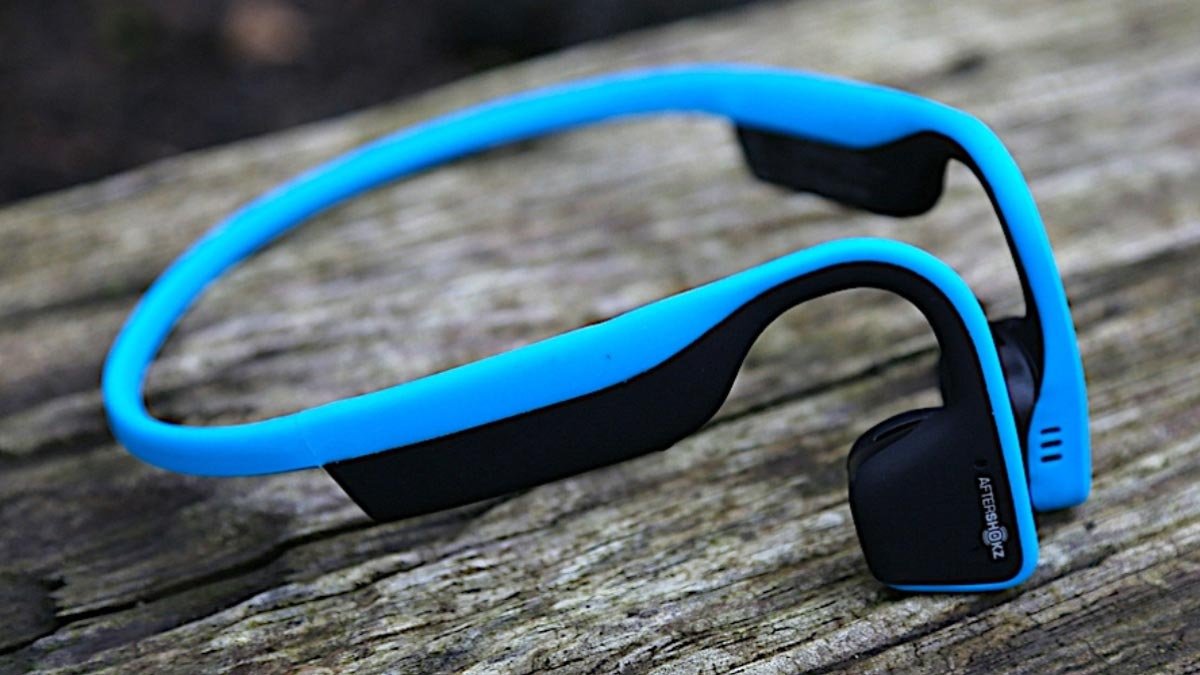
আপনি কি ভাবছেন কিভাবে সংযোগ করবেন ট্রেকজ টাইটানিয়াম হেডফোন? আপনার ডিভাইস সহ? ট্রেকজ টাইটানিয়াম হেডফোনগুলি হ'ল একটি অনন্য ধরণের হেডফোন যা উচ্চমানের শব্দ সরবরাহ করতে হাড় পরিবাহী প্রযুক্তি ব্যবহার করে.
এই হেডফোনগুলি আপনাকে গান শুনতে দেয়, কল নিতে, এবং একই সময়ে আপনার চারপাশ সম্পর্কে সচেতন থাকুন. এই হেডফোনগুলির একটি দুর্দান্ত জিনিস হ'ল এগুলি হালকা ওজনের, পরতে আরামদায়ক, এবং তারা ঘাম-প্রতিরোধী, তাদের workouts এবং বহিরঙ্গন কার্যকলাপের জন্য আদর্শ করে তোলে.
কিন্তু বেশিরভাগ মানুষই জানেন না কিভাবে আপনার ডিভাইসের সাথে তাদের কানেক্ট করতে হয়. চিন্তা করবেন না আপনি এই পোস্টে দেওয়া সহজ পদক্ষেপগুলি অনুসরণ করে এটি করতে পারেন. তাই, শুরু করা যাক এবং বিস্তারিত মধ্যে ডুব!
আপনার ডিভাইসের সাথে ট্রেকজ টাইটানিয়াম হেডফোনগুলিকে কীভাবে সংযুক্ত করবেন?
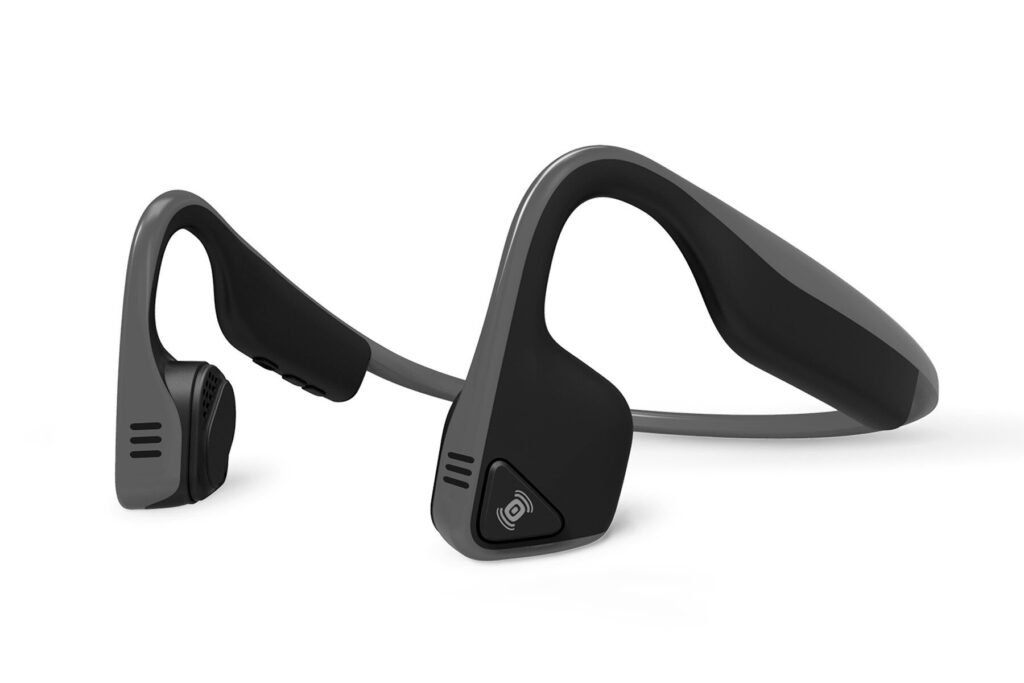
Before you can start using your Trekz Titanium হেডফোন, you need to prepare them. Here are the steps to follow.
ট্রেকজ টাইটানিয়াম হেডফোন চার্জ করা হচ্ছে
প্রথম, make sure that your Trekz Titanium Headphones are fully charged. How do you charge them follow the instructions.
Connect the micro-USB charging cable to your headphones, and plug the other end of the cable into a USB port or wall adapter. The LED indicator will turn blue when charging is complete.
আপনার হেডফোন পেয়ারিং মোডে রাখুন
- প্রথম, make sure that your headphones are off before using them.
- Then press and hold the volume button for 5 প্রতি 7 seconds until you hear Welcome Trekz Titanium.
- Continuous press and hold the button until the LED light flashes blue and red. This shows that the headphones are in pairing mode.
ব্লুটুথ সক্রিয় করা হয়েছে
To connect Trekz Titanium headphones to your device, you must ensure that your device is Bluetooth-compatible. To do this follow the steps carefully.
- প্রথম, go to the settings on your device.
- Look for the Bluetooth and select it, if it is off turn it on.
- এখন, see Trekz Titanium headphones from the available list on your device and click on them to pair them to your device.
ডিভাইসে সংযোগ করা হচ্ছে
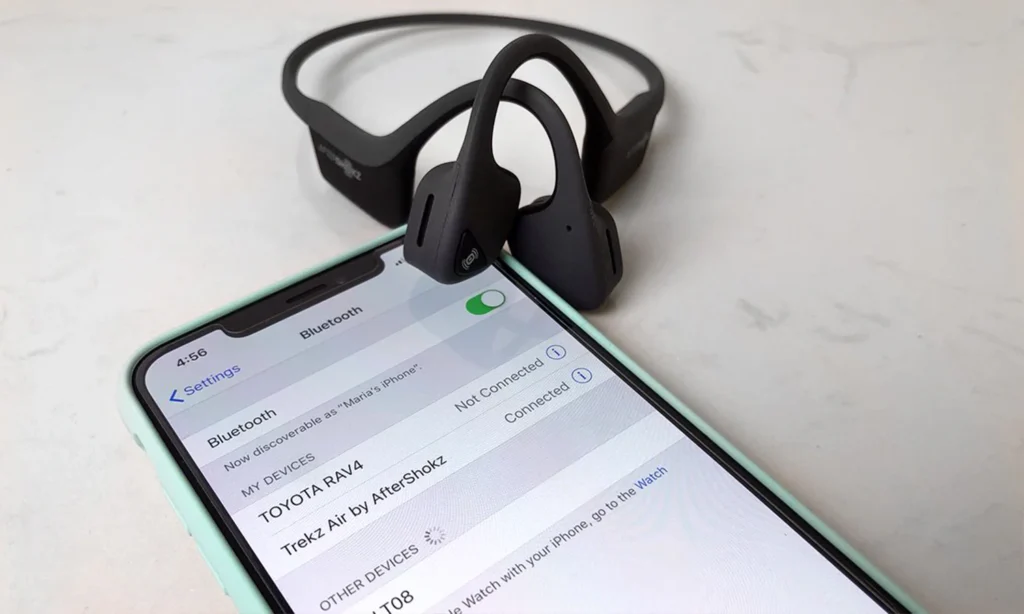
When you select the Trekz Titanium Headphones they begin to connect to your device, this process may take a few seconds. Once you complete the pairing process you will hear a voice Connected.
এখন, ready to use your headphones with your devices.
সমস্যা সমাধানের টিপস
If you have any problem connecting your headphones to your device, তাদের পুনরায় সেট করুন. To reset them follow the steps carefully.
- প্রথম, turn off your headphones.
- তারপর, পাওয়ার বোতাম টিপুন এবং ধরে রাখুন 5 প্রতি 7 seconds to turn it on, you will hear a beep or a vibration.
- এখন, your headphones are reset and ready to pair.
হস্তক্ষেপ চেক করুন
After resetting if your headphones are still not pairing properly, there may be interference from other electronic devices. To shoot this problem follow the steps.
- প্রথম, turn off all other electronic devices in the area.
- Turn off your headphones.
- Turn on your headphones and try pairing again by the above steps.
ব্যাটারি যত্ন
The battery life of your headphones can be affected by several factors, including the temperature, the volume level, and the type of music you’re listening to. তাই, before fully charging the headphones before using.
ট্রেকজ টাইটানিয়াম হেডফোন বজায় রাখা
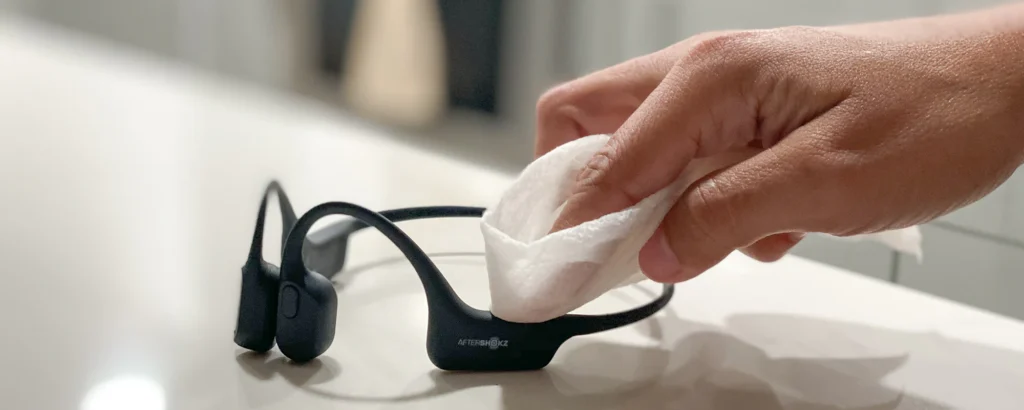
To keep your Trekz Titanium headphones maintained and in good condition, it’s important to clean them regularly. Here are some tips to help you keep your headphones clean.
- Wipe the headphones down with a soft, dry cloth after each use to remove any sweat or dirt
- Use a damp cloth to clean the headphones if they are particularly dirty. এর পরে কাপড়টি মুছে ফেলতে ভুলবেন না যাতে এটি খুব বেশি ভিজে না যায়.
- হেডফোন পরিষ্কার করার জন্য কোন কঠোর রাসায়নিক বা ঘষিয়া তুলিয়া ফেলিতে সক্ষম উপকরণ ব্যবহার করা এড়িয়ে চলুন, কারণ এটি পৃষ্ঠের ক্ষতি করতে পারে.
- কানের কুশন নোংরা হয়ে গেলে, এগুলিকে হেডফোনগুলি থেকে সরিয়ে ফেলুন এবং ঠাণ্ডা জলে ধুয়ে ফেলুন এবং হেডফোনগুলিতে ফেরত দেওয়ার আগে এগুলিকে সম্পূর্ণরূপে শুকিয়ে দিতে ভুলবেন না.
উপসংহার
ট্রেকজ টাইটানিয়াম হেডফোন সংযোগ করা বেশ সহজ. উপরে উল্লিখিত প্রক্রিয়া অনুসরণ করে, আপনি সহজেই ট্রেকজ টাইটানিয়াম হেডফোন সংযোগ করতে পারেন. তাই ট্রেকজ টাইটানিয়াম হেডফোনগুলি কানেক্ট করার জন্য আপনার যা জানা দরকার. আমরা আশা করি এই নিবন্ধটি আপনাকে অনেক সাহায্য করবে!