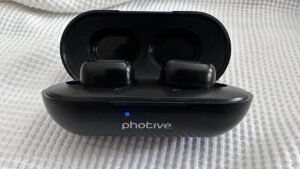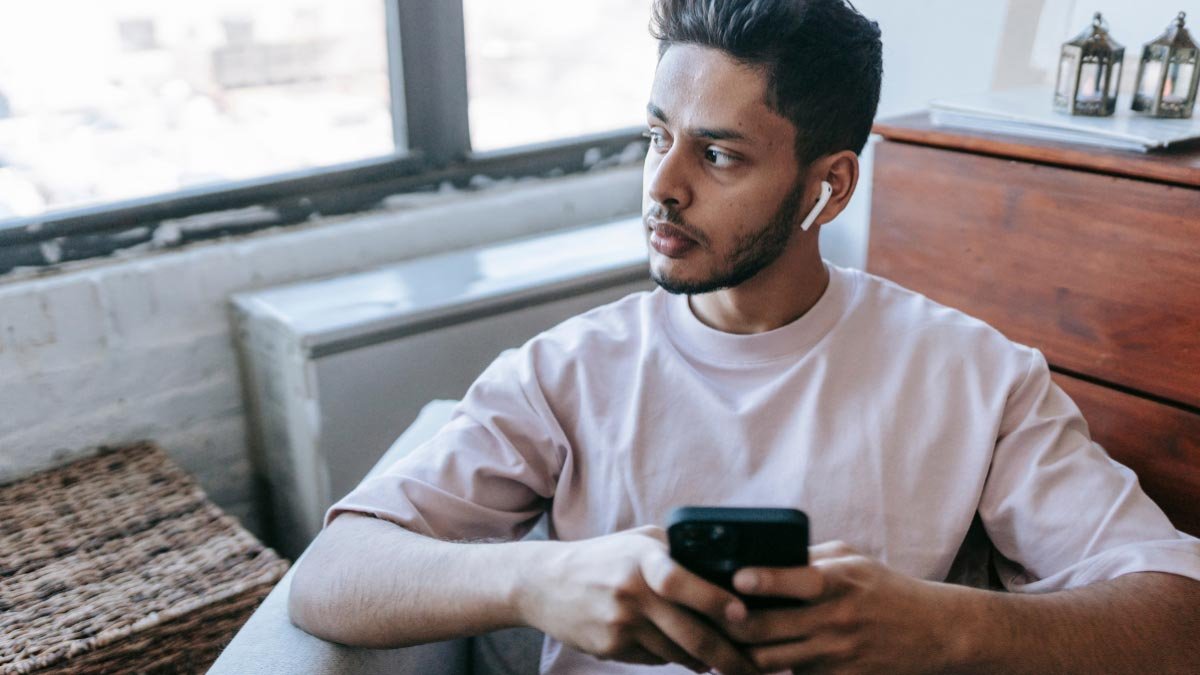
Voulez-vous coupler les écouteurs Mifa x17 à vos appareils? Parce que les écouteurs Mifa x17 sont dotés de plusieurs fonctionnalités, notamment la connectivité sans fil via la version Bluetooth. 5.0, chargement sans fil, et affichage de la batterie sur le boîtier de chargement.
Le Écouteurs Mifa x17 sont conçus pour un ajustement sûr et confortable et offrent une bonne expérience d'écoute. Les écouteurs Mifa x17 ont une batterie impressionnante et, le boîtier de chargement offre une autonomie de batterie de 30 heures lorsqu'ils sont complètement chargés et les écouteurs durent jusqu'à 5 heures avec une seule charge.
mais de l'autre côté, la plupart des gens ne savent pas comment coupler les écouteurs Mifa x17 avec leurs appareils. Donc, dans cet article, nous vous donnons un guide complet sur ces écouteurs, comme comment appairer les écouteurs Mifa x17, comment les réinitialiser, instructions de contrôle, comment les activer en mode mono, mise en charge, et tout à propos.
Pour cela, regardons de près cet article.
Présentation du produit

Comment coupler les écouteurs Mifa x17?
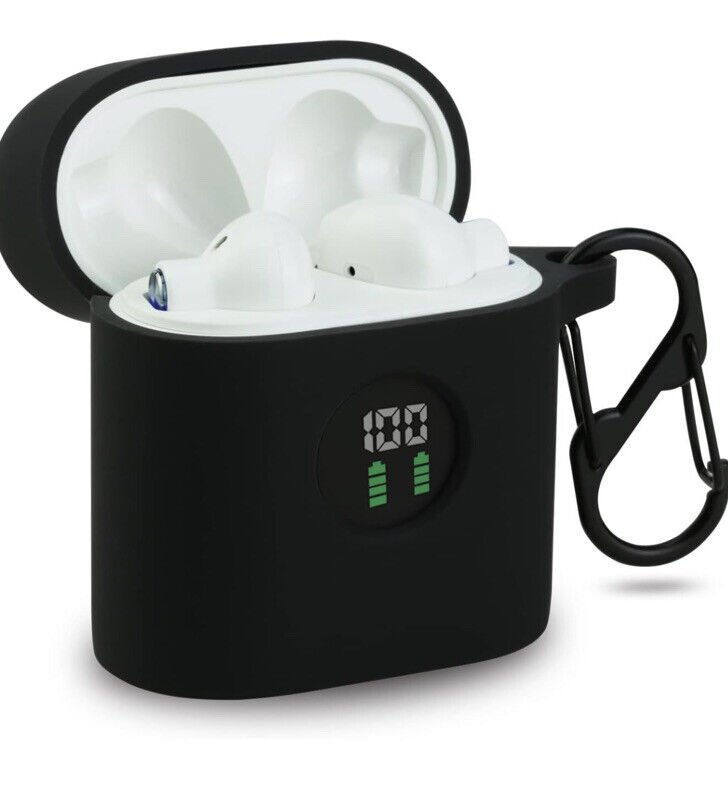
Associez les écouteurs Mifa x17 à différents appareils, suivez attentivement les instructions ci-dessous sans sauter aucune étape.
Associer aux téléphones ISO et Andriod
Pour coupler les écouteurs Mifa x17 avec les téléphones ISO et Andriod, suivez ces étapes
- Tout d'abord, retirez les écouteurs de l'étui, un voyant rouge clignotera pendant 1 deuxième, et les écouteurs s'allumeront automatiquement, après cela, une lumière bleue commence à clignoter, et ils seront prêts à être couplés à n'importe quel appareil.
Allez ensuite dans les paramètres de l'appareil et sur le Bluetooth - Sélectionnez Mifa x17 dans la liste disponible.
- Mais si besoin, tapez un code PIN 0000.
- Après le processus, la lumière bleue est éteinte, et l'appairage sera fait.
Associer au PC (les fenêtres)
Pour coupler les écouteurs Mifa x17 avec un PC (les fenêtres) Suivez ces étapes
- Activez le Bluetooth sur Windows
- Allez dans les paramètres
- Accédez à Bluetooth et autres appareils.
- Cliquez sur Ajouter des appareils
- Cliquez sur Bluetooth.
- Alors, Sortez les écouteurs de l'affaire, un voyant rouge clignote pendant 1 deuxième, et les écouteurs s'allumeront automatiquement.
- Mais quand une lumière bleue commence à clignoter, ils seront prêts à être couplés à n'importe quel appareil.
- Sélectionnez Mifa x17 dans la liste disponible si nécessaire un type de code PIN 0000.
- Après le processus, la lumière bleue est éteinte, et l'appairage sera fait.
Comment activer le mode mono
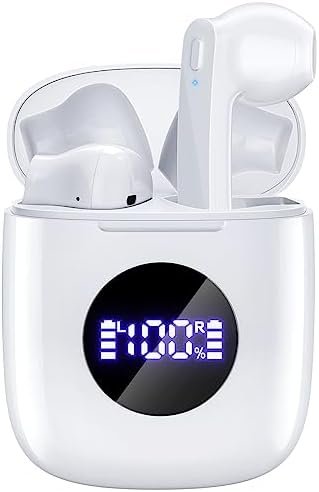
Pour activer le mode mono dans les écouteurs Mifa X17, vous devez retirer l'écouteur souhaité de l'étui de chargement. Il commencera à fonctionner tout seul.
Mais si cela ne fonctionne pas, retirez les deux écouteurs de l'étui de chargement et associez-les à votre appareil en suivant les étapes ci-dessus..
Alors maintenant, remettez l'un d'eux dans l'étui et utilisez l'autre pour écouter..
Comment contrôler le suivi et les appels
- Appuyez une fois sur le bouton tactile multifonction de l'un des écouteurs pour lire ou mettre en pause la musique..
- Appuyez deux fois sur le bouton tactile multifonction de l'un des écouteurs pour lire la chanson suivante..
- Appuyez trois fois sur le bouton tactile multifonction de l'un des écouteurs pour lire la chanson précédente..
- Appuyez et maintenez enfoncé le bouton tactile multifonction de n'importe quel écouteur pendant environ 1 seconde pour répondre à un appel entrant.
- Appuyez et maintenez enfoncé le bouton tactile multifonction de n'importe quel écouteur pendant environ 1 seconde pour mettre fin à un appel.
- Appuyez et maintenez enfoncé le bouton tactile multifonction de n'importe quel écouteur pendant environ 2 secondes pour rejeter un appel entrant.
- Appuyez et maintenez enfoncé le bouton tactile multifonction de n'importe quel écouteur pendant environ 3 secondes pour activer/désactiver le mode muet pendant un appel.
- Appuyez et maintenez enfoncé le bouton tactile multifonction de n'importe quel écouteur pendant environ 2 secondes pour activer l'assistant vocal.
Comment charger les écouteurs et l'étui de chargement?
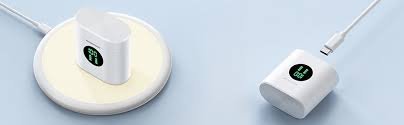
Écouteurs
Pour charger les écouteurs, placez-les dans l'étui de chargement et fermez correctement le couvercle.. Les écouteurs se chargeront automatiquement.
Étui de chargement
Connectez le boîtier à un chargeur USB ou à un port de chargement avec le câble USB-A vers C inclus pour charger le boîtier de chargement. Il commencera à se charger automatiquement.
Comment réinitialiser les écouteurs Mifa X17?
Supprimez Mifa X17 du menu Bluetooth de votre téléphone et désactivez le paramètre Bluetooth. Mettez les écouteurs Voth dans l'étui de chargement pendant quelques secondes et retirez-les de l'étui.. Appuyez deux fois sur le bouton tactile multifonction des deux écouteurs.
Maintenant, appuyez et maintenez enfoncé le bouton tactile multifonction des deux écouteurs pendant quelques secondes, jusqu'à ce qu'une lumière bleue clignote rapidement trois fois, puis un voyant rouge s'allume pour 2 secondes. Après ce processus, la réinitialisation sera effectuée.
Des conseils de dépannage
Supposons que vous rencontriez des problèmes avec l'association des écouteurs Mifa x17 avec l'appareil.. Vous pouvez essayer plusieurs choses pour résoudre le problème. Première, assurez-vous que les écouteurs sont complètement chargés. Vérifiez que les écouteurs fonctionnent dans la plage normale.
Essayez de réinitialiser les écouteurs en usine. Mais si le volume est réglé bas, pour résoudre ce problème, nettoyez les écouteurs à l'aide d'un coton-tige ou nettoyez-les soigneusement avec une épingle. Si le microphone ne fonctionne pas ou si le microphone est coupé, vérifier le volume du microphone de l'appareil.
Si ça ne marche pas, cela signifie qu'il pourrait y avoir un défaut dans les écouteurs. Donc, les écouteurs ne sont associés à aucun appareil. Première, désactiver l'autre Bluetooth des appareils à proximité, puis activez les écouteurs et mettez-les en mode appairage, et répétez le guide mentionné ci-dessus pour coupler les écouteurs Mifa x17 avec votre appareil.
FAQ pour appairer les écouteurs Mifa x17
Les écouteurs Mifa x17 sont-ils étanches?
Non, ils ne sont pas étanches. Les écouteurs Mifa X17 ont la certification IPX5, ce qui signifie qu'ils sont étanches à la poussière et protégés contre l'eau projetée par une buse.
Les écouteurs Mifa x17 ont-ils un microphone ??
Oui, le Mifa X17 a des microphones intégrés.
Les écouteurs Mifa x17 peuvent-ils connecter un PC et un ordinateur portable?
Oui, le Mifa X17 peut se connecter aux PC, ordinateurs portables, et tablettes.
Conclusion
Nous espérons que vous savez maintenant comment coupler les écouteurs Mifa x17 avec votre appareil à partir des directives ci-dessus.. La seule différence ici est la méthode d'appariement. Nous avons couvert le processus de connexion pour chaque type d'appareil.
Suivez-les et associez les écouteurs Mifa x17. Nous espérons que cet article vous aidera beaucoup dans l'appairage et tout sur ce produit.