How to Pair a Blue Parrot Headset with your Smartphone? Muaj 3 Txoj hauv kev los Pair Blue Parrot Headset nrog koj lub Smartphone. Select your preferred set of instructions to pair a Blue Parrott headset with your smartphone.
Txoj kev:1 Pair Using NFC one-touch
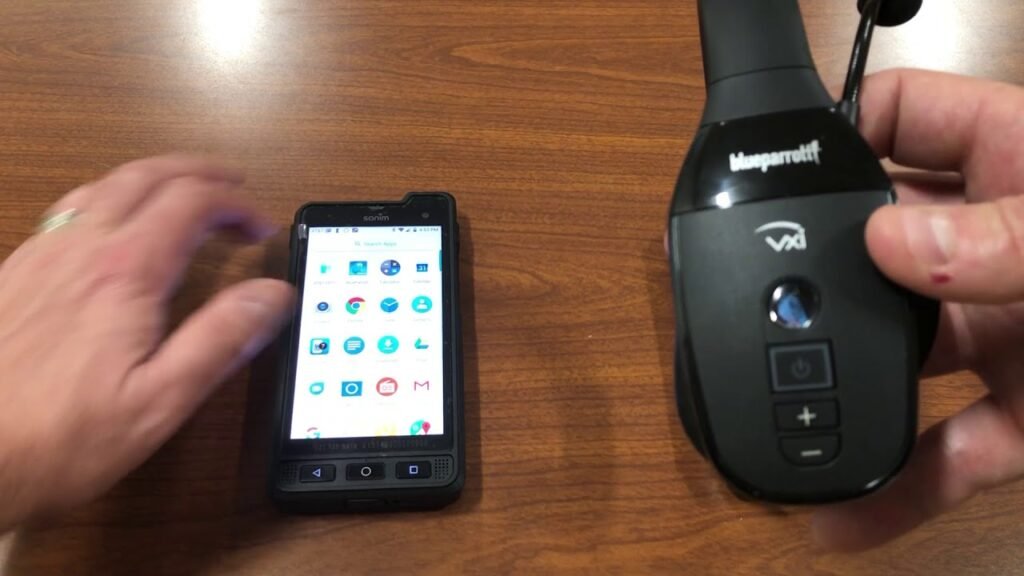
- Ensure your headset is on, and that NFC is enabled on your smartphone.
- Tso thaj tsam NFC ntawm koj lub xov tooj smartphone tiv thaiv NFC cheeb tsam ntawm koj lub mloog pob ntseg kom txog thaum koj lub xov tooj smartphone sau npe lub mloog pob ntseg.
- Ua raws li cov lus qhia ntawm koj lub smartphone kom ua tiav qhov kev sib tw.
Nkag mus 0000 plaub tus lej yog tias koj nug txog tus lej PIN.
Txoj kev:2 Pair Using the Buttons
- Xyuas kom koj lub mloog pob ntseg kaw.
- Nias thiab tuav 6 vib nas this khawm Multifunction kom txog thaum koj hnov Hwj chim rau. Txuas ntxiv tuav lub pob kom txog thaum LED flashes hloov xiav thiab liab thiab koj hnov Pair hom.
Lub mloog pob ntseg tam sim no nyob rau hauv kev sib koom ua ke. - Mus rau Bluetooth ntawv qhia zaub mov ntawm koj lub smartphone thiab xaiv Blue Parrott B450-XT los ntawm cov npe ntawm cov khoom siv muaj..
Nkag mus 0000 plaub tus lej yog tias koj nug txog tus lej PIN.
Txoj kev:3 Pair Using Voice Commands
- Ensure your headset is on.
- Nias lub Blue Parrott Button los yog nias thiab tuav lub Volume Up khawm.
- Tom qab lub suab ceeb toom, hais khub hom. Lub mloog pob ntseg tam sim no nyob rau hauv kev sib koom ua ke.
- Mus rau Bluetooth ntawv qhia zaub mov ntawm koj lub smartphone thiab xaiv Blue Parrott B450-XT los ntawm cov npe ntawm cov khoom siv muaj..
Nkag mus 0000 (plaub zeros) yog tias koj nug txog tus lej PIN.
What do if my Blue Parrott headset does not pair with my mobile device?
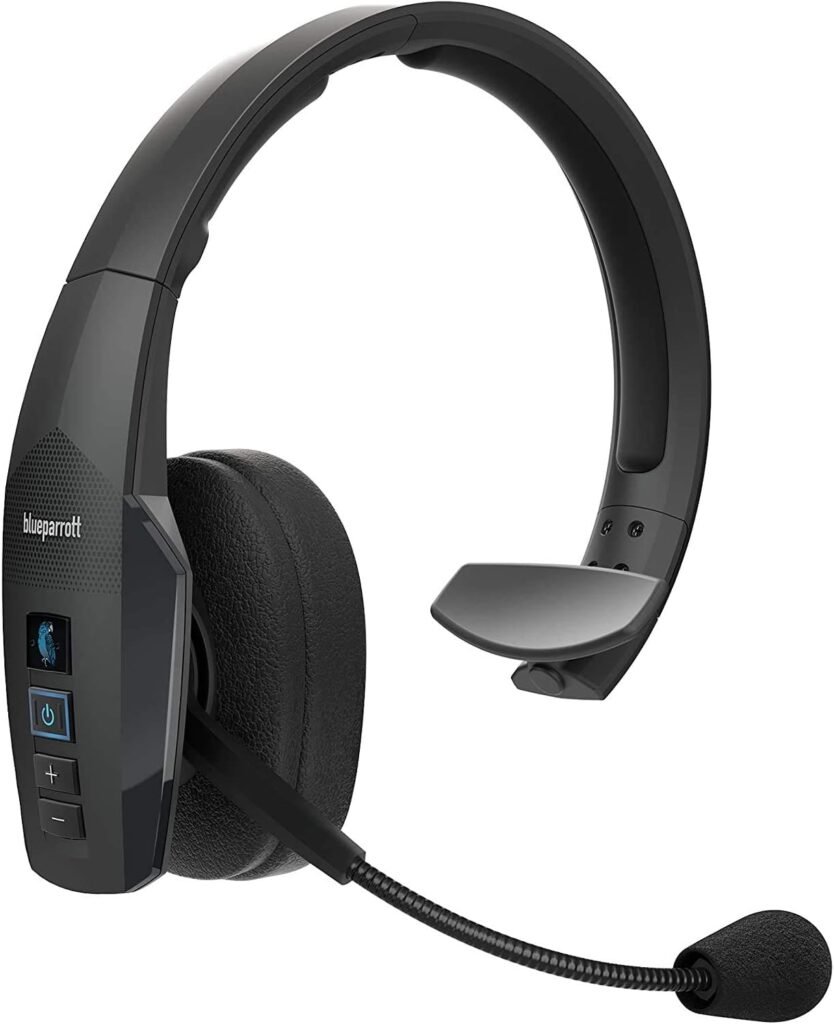
- If you are having trouble pairing a Blue Parrott headsetwith your smartphone., phau ntawv, or other mobile device, try the following steps. Try re-pairing your Blue Parrott headset after each step.
- Ua ntej tshaj plaws, ntawm koj lub xov tooj ntawm tes, turn the Bluetooth setting off and on. Turn your mobile device off and on and turn your Blue Parrott headset off and on.
- Ces, try to pair your Blue Parrott headset using a different mobile device. This is to confirm that a different mobile device will find and pair with your Blue Parrott headset.
- Tam sim no, reset your Blue Parrott headset.
- If you still cannot connect your headset to your mobile device, contact support.
FAQS to Pair a Blue Parrot Headset with your Smartphone
How do I manually reset my Bluetooth headset?
When you reset your Bluetooth headset, previously paired devices and settings will be cleared. Follow these steps to reset.
- Ua ntej, ensure your headset is powered on.
- Ces, press and hold 6 vib nas this ob lub Volume nce thiab down khawm kom txog rau thaum koj lub taub hau ob beeps ua raws li Pair hom, los yog kom txog thaum lub LED flashes alternating liab thiab xiav.
Nco tseg: Tom qab rov pib dua, Koj yuav tsum rov muab lub mloog pob ntseg nrog koj lub smartphone. Nco ntsoov tshem tawm qhov kev ua khub dhau los ua ntej koj rov ua khub.
Can I pair my headset with more than one Bluetooth device?
Yog lawm. Koj lub pob ntseg Blue Parrott tuaj yeem ua ke nrog txog yim 8 cov khoom siv sib txawv. Yog tias koj sim ua khub lub cuab yeej thib 9, nws yuav hloov qhov qub khub ntawm cov khub uas twb muaj lawm.
What is the passcode or PIN for pairing my headset?
Yog muaj lus nug thaum muab koj lub mloog pob ntseg, tus passcode lossis PIN yog 0000.
Xaus
Pair Blue Parrot Headset nrog koj lub xov tooj smartphone tsis yog txoj haujlwm nyuaj uas koj tuaj yeem ua nws hauv ob peb feeb. Peb tau hais 3 Muaj ntau txoj hauv kev los Pair Blue Parrot Headset nrog koj lub smartphone.
Koj yuav tsum ua raws li cov txheej txheem tsim nyog thiab lawv cov kauj ruam ua tib zoo tsis hla ib kauj ruam los ua kom muaj kev sib raug zoo.
Yog li, Txhua yam koj yuav tsum paub yog yuav ua li cas Pair Blue Parrot Headset nrog koj lub smartphone. Peb vam tias tsab xov xwm no yuav pab tau koj ntau!