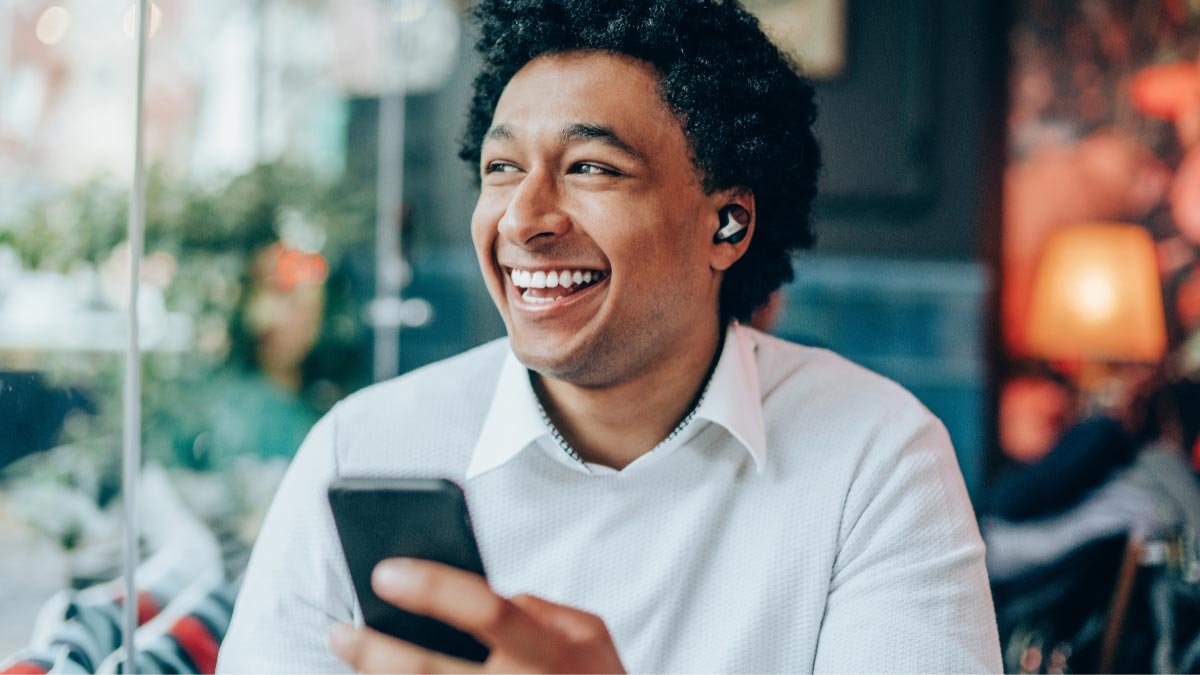
Koj puas tau npaj los ua khub Blackweb wireless earbuds rau koj lub xov tooj lossis lwm yam khoom siv thiab paub koj lub suab paj nruag nrog Blackweb wireless earbuds? Cov earbuds no sleeky thiab stylish muab qhov yooj yim ntawm kev sib txuas wireless thiab tso cai rau koj txaus siab rau koj cov nkauj nyiam yam tsis muaj teeb meem ntawm tangled xov hlau..
Blackweb wireless earbuds yog qhov kev xaiv nrov ntawm cov neeg nyiam suab paj nruag nrog lawv cov thev naus laus zis siab heev thiab lub suab zoo nkauj zoo nkauj.

Yog li, Yog tias koj xav paub yuav ua li cas ua khub Blackweb wireless earbuds rau koj lub xov tooj lossis lwm yam khoom siv thiab tau txais txiaj ntsig zoo tshaj plaws ntawm koj qhov kev paub suab, koj tuaj rau qhov chaw zoo. Hauv no ncej, Peb yuav qhia koj txog cov kauj ruam yooj yim ntawm kev ua khub koj Blackweb wireless earbuds, yog li koj tuaj yeem pib txaus siab rau koj lub suab paj nruag wirelessly tsis muaj sijhawm. Cia peb pib nrog kev nthuav dav ntxiv.
Yuav Ua Li Cas Pair Blackweb Wireless Earbuds rau koj lub cuab yeej?
Txhawm rau Pair Blackweb Wireless Earbuds rau koj lub cuab yeej ua raws cov kauj ruam no
- Ua ntej tshaj plaws, xyuas kom tseeb tias koj lub mloog pob ntseg tau them tag nrho.
- Muab lub pob ntseg tso rau hauv kev sib koom ua ke los ntawm nias thiab tuav ob lub pob ntseg pob ntseg li peb vib nas this kom txog thaum lub teeb LED pib nyem xiav thiab liab.. Qhov no yuav qhia tau tias koj lub pob ntseg tam sim no nyob rau hauv kev ua khub.
- Tam sim no, Qhib cov ntawv qhia zaub mov Bluetooth ntawm koj lub cuab yeej thiab tshawb Blackweb los ntawm cov npe muaj nyob hauv koj lub cuab yeej.
- Xaiv nws thiab tos thaum nws sim ua ke nrog koj lub pob ntseg. Thaum lawv tau ua tiav khub, koj yuav tsum pom cov lus qhia qhov no ntawm koj lub cuab yeej lub vijtsam.
- Koj lub cuab yeej tuaj yeem hais kom koj nkag mus rau tus lej PIN lossis lees paub qhov kev ua khub. Yog hais tias prompted tus pin code nkag mus 0000 los yog ua raws li cov lus qhia ntawm lub cuab yeej los ua kom tiav cov txheej txheem ua khub.
- Tam sim no, nws yog lub sij hawm mus kuaj qhov kev twb kev txuas thaum lub pairing yog paub tseeb tias, sim qhov kev sib txuas los ntawm kev ua si qee lub suab los ntawm lub pob ntseg. Yog tias lub mloog pob ntseg txuas tau zoo, koj yuav tsum tau hnov lub suab los ntawm lawv.
Yuav rov pib dua Blackweb Wireless Earbuds li cas
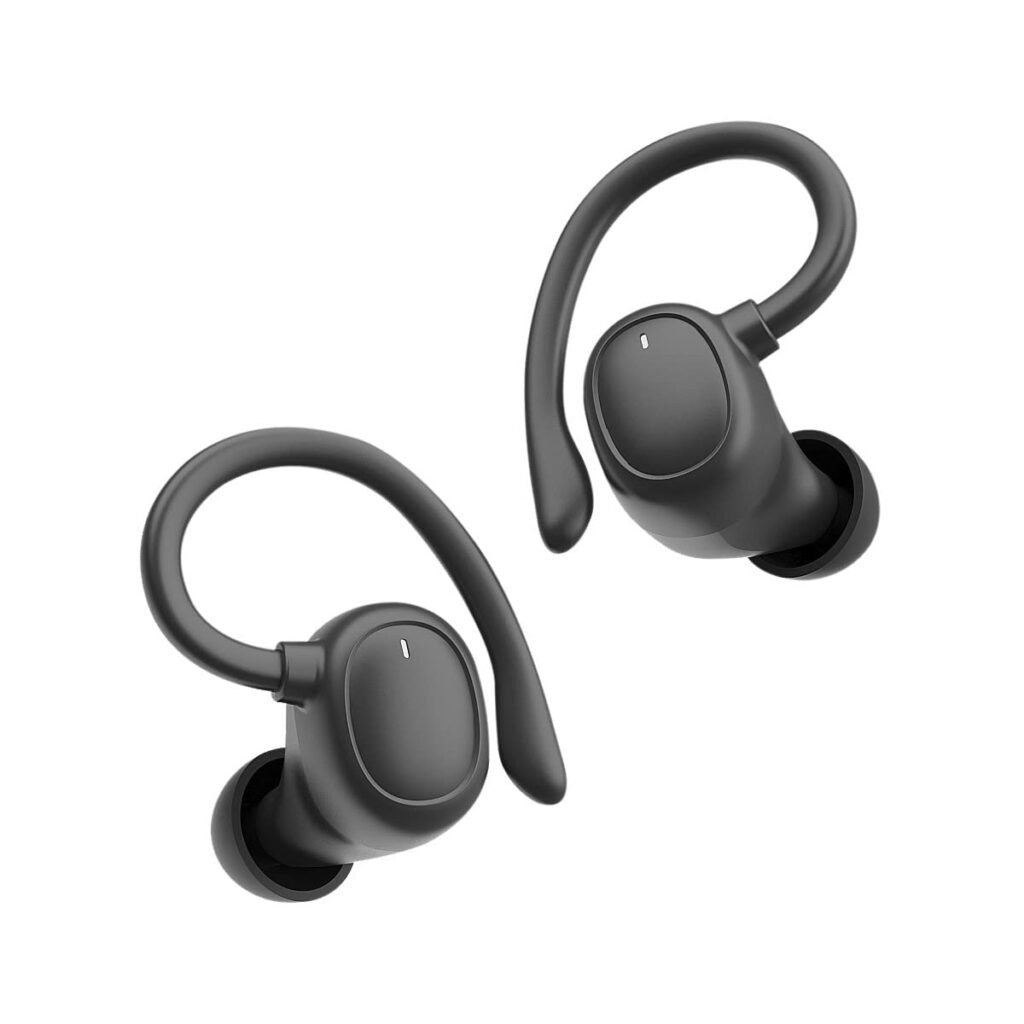
Yog tias koj muaj teeb meem kev sib txuas lossis teeb meem suab nrog koj Blackweb Wireless Earbuds, ib qho yooj yim rov pib dua tuaj yeem pab daws qhov teeb meem. Txhawm rau rov pib dua lub pob ntseg, ua raws li cov kauj ruam no
- Muab cov earbuds rov qab rau hauv cov ntaub ntawv them nyiaj.
- Khaws cov ntaub ntawv qhib thiab xyuas kom meej tias lub pob ntseg tsis txuas nrog txhua yam khoom siv.
- Nrhiav lub pob pib dua nyob rau hauv qab ntawm lub rooj them nyiaj thiab nias nws siv tus pin me me los yog daim ntawv clip. Tuav lub pob rau ob peb feeb kom txog thaum lub teeb pom kev LED ntawm rooj plaub pib flashing.
- Thaum LED qhov taw qhia nres flashing, tshem lub pob ntseg ntawm rooj plaub thiab sim ua khub Blackweb Wireless Earbuds rau koj lub cuab yeej dua los ntawm kev ua raws li cov lus hais saum toj no kom zoo zoo.
Cov lus qhia daws teeb meem

Qee zaum thaum siv koj Blackweb Wireless Earbuds, koj tuaj yeem ntsib qee yam teeb meem uas tuaj yeem daws tau yooj yim los ntawm cov lus qhia daws teeb meem. Nov yog qee cov lus qhia txog kev daws teeb meem.
Rov pib dua
Yog tias koj muaj teeb meem kev sib txuas lossis teeb meem suab nrog koj Blackweb Wireless Earbuds, ib qho yooj yim rov pib dua tuaj yeem pab daws qhov teeb meem. Muab cov earbuds rov qab rau hauv cov ntaub ntawv them nyiaj. Khaws cov ntaub ntawv qhib thiab xyuas kom meej tias lub pob ntseg tsis txuas nrog txhua yam khoom siv.
Nrhiav lub pob pib dua nyob rau hauv qab ntawm lub rooj them nyiaj thiab nias nws siv tus pin me me los yog daim ntawv clip. Tuav lub pob rau ob peb feeb kom txog thaum lub teeb pom kev LED ntawm rooj plaub pib flashing.
Thaum LED qhov taw qhia nres flashing, tshem lub pob ntseg ntawm rooj plaub thiab sim txuas lawv rau koj lub cuab yeej dua los ntawm kev ua raws li cov kauj ruam saum toj no ua tib zoo.
Clearing Pairing History
Clearing Bluetooth pairing keeb kwm tuaj yeem pab daws qhov teeb meem no. Go to the settings menu on your device. Open the Bluetooth settings find the list of paired devices and look for the entry that corresponds to your Blackweb Wireless Earbuds.
Tap on the Forget or Unpair option next to the earbuds entry. Once the pairing history is cleared, put the earbuds back into pairing mode and pair them to your device again.
Ntau yam zoo
Bluetooth has a limited range, typically around 33 ko taw (10 meters). Keep your device and the earbuds in proper range. Avoid obstructions such as walls or objects that may interfere with the Bluetooth signal.
By following these troubleshooting steps, you can often resolve common issues with your Blackweb Wireless Earbuds and ensure a seamless listening experience.
FAQS rau Pair Blackweb Wireless Earbuds
Kuv yuav qhib Blackweb Bluetooth li cas?
To turn on Blackweb Bluetooth, koj yuav tsum nias thiab tuav lub hwj huam khawm ntawm koj lub cuab yeej kom txog thaum koj pom lub teeb ci LED teeb. Qhov ntsuas no qhia tau hais tias Bluetooth feature tau qhib thiab npaj ua ke nrog lwm yam khoom siv.
Kuv tuaj yeem ua khub kuv Blackweb wireless earbuds nrog ntau yam khoom siv?
Yog lawm, Koj tuaj yeem ua khub koj Blackweb wireless earbuds nrog ntau yam khoom siv. Txawm li cas los, tsuas yog ib lub cuab yeej tuaj yeem txuas nrog lub mloog pob ntseg ib zaug. Hloov mus rau lwm lub cuab yeej, disconnect lub pob ntseg los ntawm lub cuab yeej tam sim no thiab ua raws li cov txheej txheem sib txuas nrog lub cuab yeej tshiab.
Yuav ua li cas kuv rov pib dua kuv lub earbuds pairing?
Txhawm rau rov pib dua koj lub pob ntseg sib txuas, nias thiab tuav ob lub pob ntseg pob ntseg kom txog thaum lub teeb LED ntsais liab. Qhov no yuav tshem tawm tag nrho cov ntaub ntawv ua khub yav dhau los, tam sim no koj yuav tsum pib txoj kev ua khub.
Xaus
Peb cia siab tias koj yuav paub zoo txog yuav ua li cas Pair Blackweb Wireless Earbuds. Because pairing Blackweb wireless earbuds is a straightforward process. Ua raws li cov kauj ruam yooj yim no, anyone can quickly learn how to Pair Blackweb Wireless Earbuds with their phone or other Bluetooth device and start listening right away!