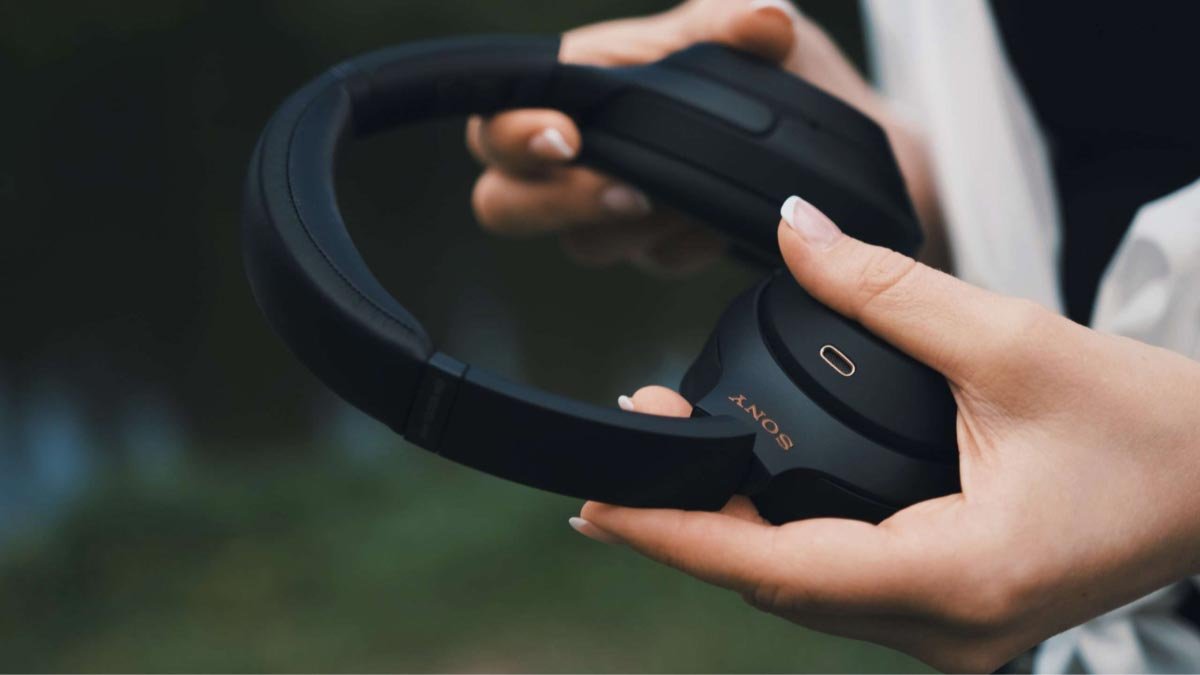
Ha Ön Sony fejhallgatót használ, és szeretné visszaállítani Sony vezeték nélküli fejhallgató. Mert, kisebb problémák a Sony fejhallgatóval, mint a csatlakozási problémák és a hibás vezérlők, gyors gyári visszaállítással megoldható.
De a számtalan Sony fejhallgató-modell és gombkonfiguráció megnehezítheti a visszaállításuk módját. De, a legtöbb Sony fejhallgatót alaphelyzetbe állíthatja a bekapcsológombok egyszerű megnyomásával és lenyomva tartásával.
Ez a bejegyzés foglalkozik ezzel az általános visszaállítási módszerrel, valamint a modellspecifikus eljárásokkal. Tehát kezdjük!
Hogyan lehet visszaállítani a Sony vezeték nélküli fejhallgatót
A Sony fejhallgató-modellek széles választékát kínálja, különböző kialakítással, gombok, és vezérlők.
De, while Sony doesn’t have a universal resetting method that applies to all of their headphones, there is a general method for resetting that applies to most models, including the WH-1000XM5, WH-1000XM3, WH-XB910N, WHCH710N, and WH-CH720N.
Here are some steps on how to reset Sony Wireless Headphones, generally.
- Először is, power off your headphones by holding the powerbutton for about 3 secondsor until the indicator light turns off.
- Once the indicator light stops blinking, let go of the buttons.
- Következő, re-connect your headphones to your device. They should now be restored to factory settings.
Sony WH-1000XM4 fejhallgató alaphelyzetbe állítása

A Sony WH-1000XM4 headphone has a slightly different button layout with the addition of the Custom button.
Here are some steps to reset Sony WH-1000XM4 headphones that you follow carefully.
- Első, kapcsolja ki a fejhallgatót úgy, hogy 2 másodpercig lenyomva tartja a bal fülkagyló bekapcsológombját, amíg a jelzőfény ki nem alszik.
- Akkor, nyomja meg és tartsa lenyomva egyszerre a Custom és a bekapcsológombot 7 másodpercig, amíg a jelzőfény négyszer kéken fel nem villan. Ez azt jelenti, hogy a fejhallgató visszaállításra került.
- Most, engedje el a gombokat, és várjon néhány másodpercet.
- A végén, kapcsolja be a fejhallgatót, és csatlakoztassa újra a készülékhez.
jegyzet: Az egyéni gomb arra is használható, hogy egyetlen megnyomással váltson az aktív zajszűrés és a környezeti hang között, és hosszú megnyomással optimalizálja az ANC teljesítményt.. azonban, funkcióját más műveletekre módosíthatja, például a hangsegéd aktiválása, a Sony Headphones Connect alkalmazásból.
Sony WH-CH510 és WH-CH520 fejhallgató visszaállítása
A WH-CH510 és WH-CH520 kiváló Bluetooth fejhallgatók a legjobb tulajdonságaikkal. But they don’t have ANC or Custom buttons like Sony’s higher-end models, the reset methods for these models slightly differ from the ones that do.
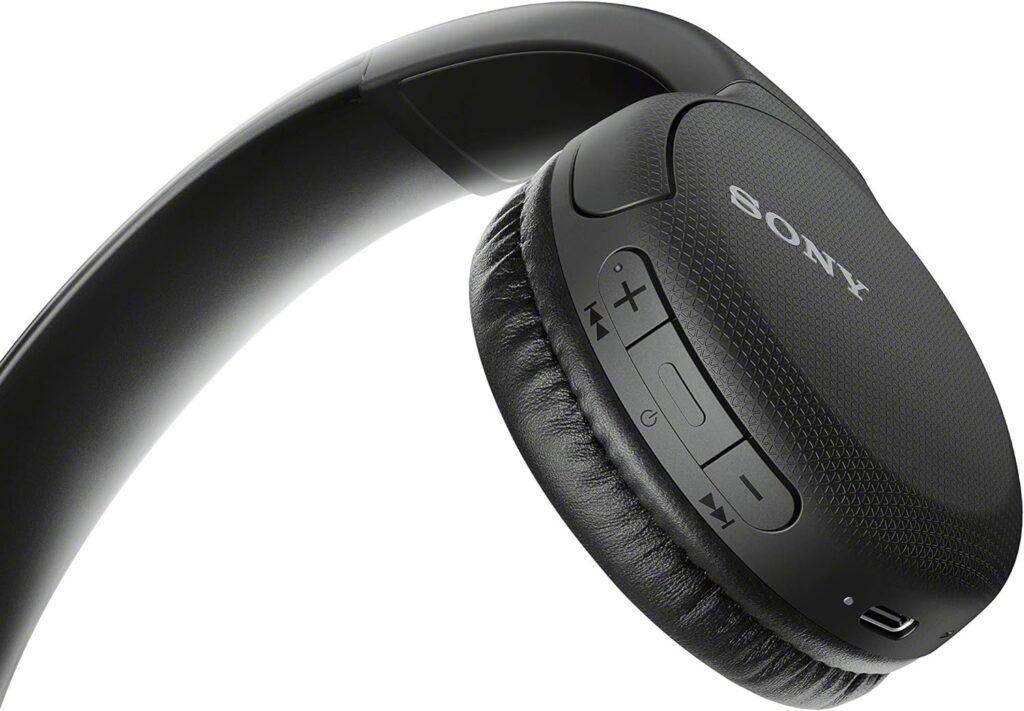
Follow the blow instructions to reset the Sony WH-CH510 and WH-CH520 Headphones.
- Turn off the headphones by pressing the power button for 2 másodpercig.
- Hold the power and volume down buttons simultaneously for 10 seconds or until the indicator light flashes blue 4 alkalommal.
- Let go of the buttons and wait for a few seconds.
- Power on the headphones and re-pair them with your device.
Sony MDR-1000X fejhallgató alaphelyzetbe állítása
A Sony MDR-1000X headphones also have a bit different button combinations on their ear cups. They have dedicated buttons for both noise cancellation and ambient sound, which can confuse in resetting process.
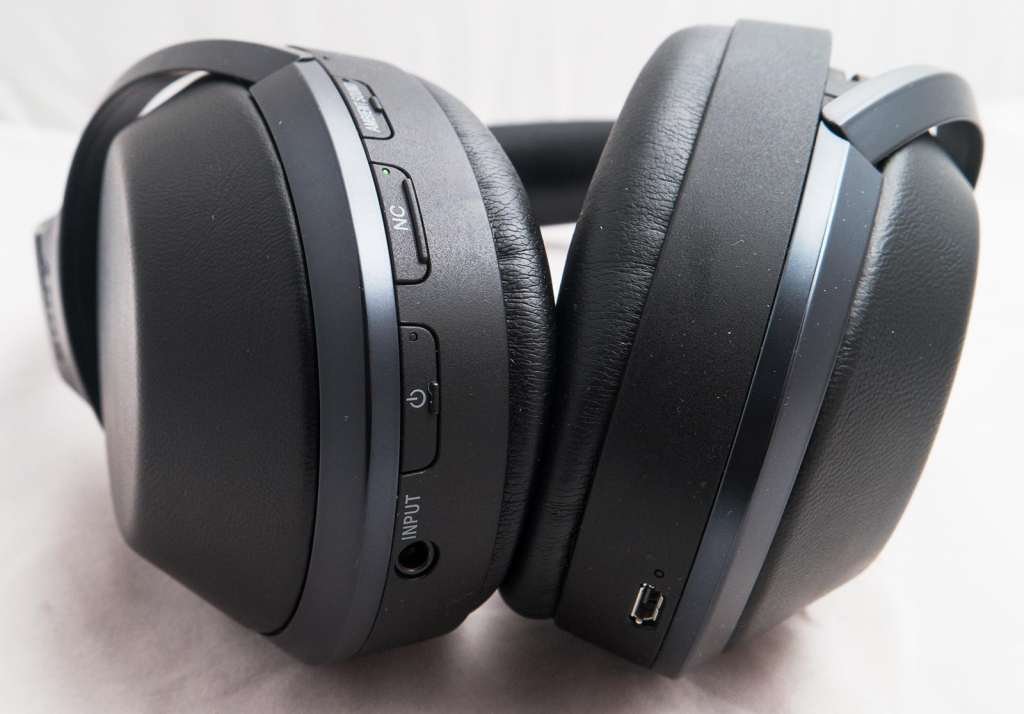
Here’s are some steps to reset them.
- Turn off the headphones by holding the power button for about 2 seconds like other headphones.
- Press and hold the power button and the ambient Sound button simultaneously for 7seconds or until the indicatorlight flashes blue 4 alkalommal. This indicater lights show that the headphones have been reset.
- Akkor, release the buttons and wait for a few seconds.
- Most, power on the headphones and reconnect them to your device.
A Sony INZONE H7 és INZONE H9 fejhallgatók alaphelyzetbe állítása
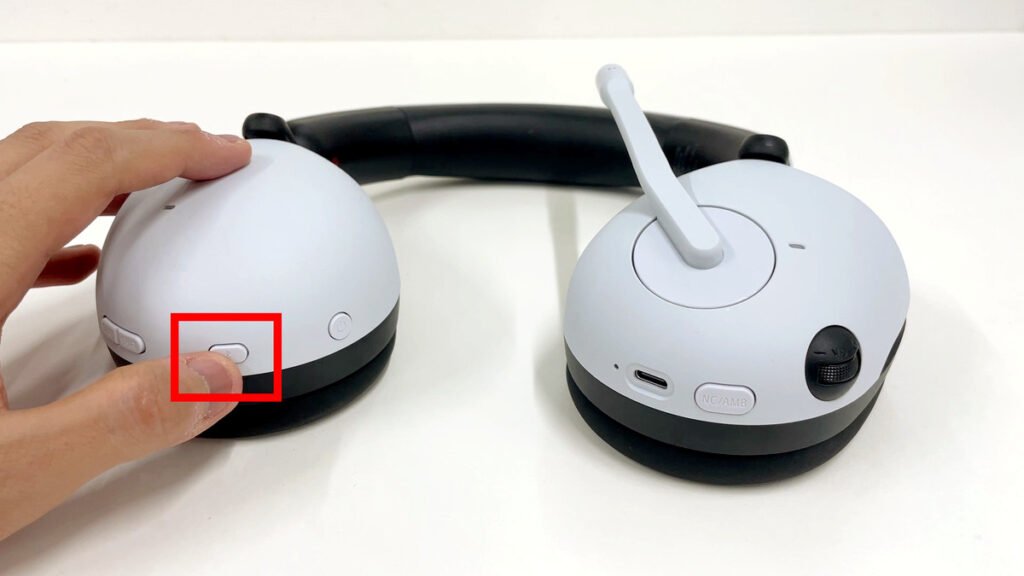
The Sony INZONE H7 és INZONE H9 Headphones are designed as gaming headphones, and thus the buttons and indicator lights are also slightly different from other Bluetooth headphones.
To reset them follow these steps
- Turn off the headphones by pressing the power button for 2 másodpercig. Make sure to unplug the USB-C cable as well.
- Akkor, press and hold the power and Bluetooth buttons for 10 seconds until the indicator light flashes white 4 alkalommal.
- Most, engedje el a gombokat, és várjon néhány másodpercet.
- Power on the headphones and reconnect to your device.
Következtetés
Végül is, Ezek a fent említett lépések, you are knowing that how to reset the Sony Headphones and now you can reset your Sony headphones and get them working normally again. Reméljük, hogy ez a cikk ebben az esetben sokat segít.