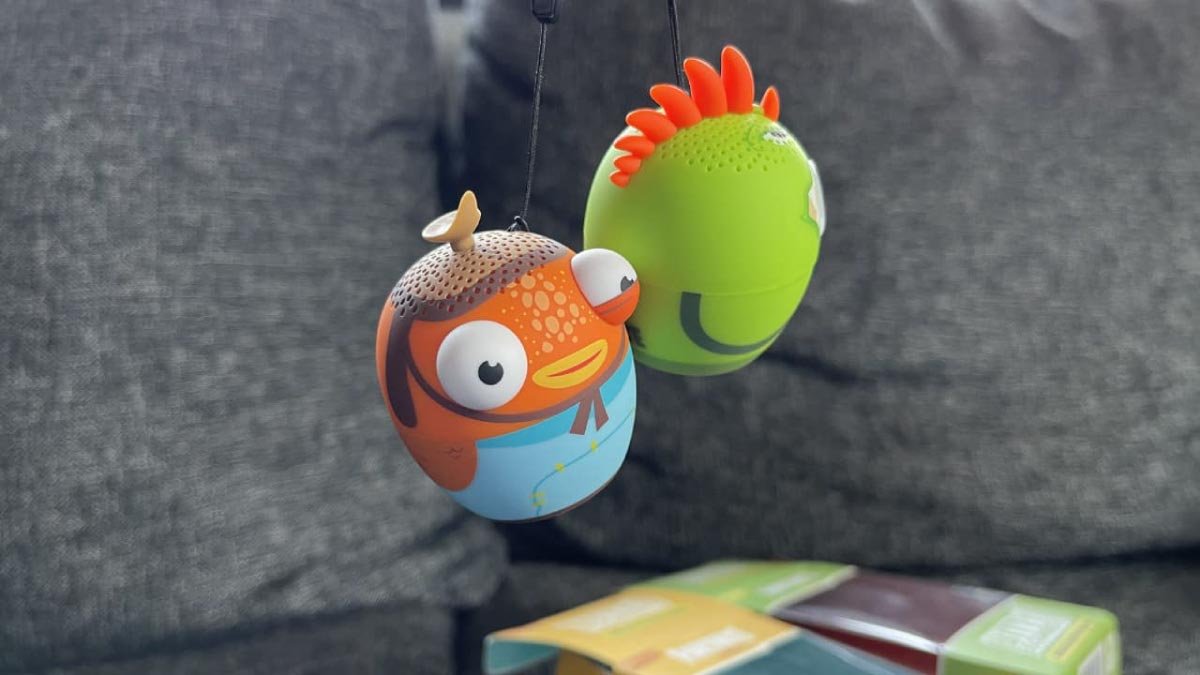
តើអ្នកកំពុងឆ្ងល់អំពីរបៀបតភ្ជាប់កូនមាន់ពីរដងទៅឧបករណ៍, បន្ទាប់មកកុំបារម្ភ, នេះគឺជាអ្វីគ្រប់យ៉ាងដែលអ្នកត្រូវដឹង. យើងនឹងពិភាក្សាអំពីការភ្ជាប់ Bitty Boomers ពីរទៅឧបករណ៍, ប៉ុន្តែមុននឹងពិភាក្សាគ្នា យើងត្រូវដឹងពីរបៀបភ្ជាប់ Bitty Boomers. ដូច្នេះ, តោះចាប់ផ្តើម ......
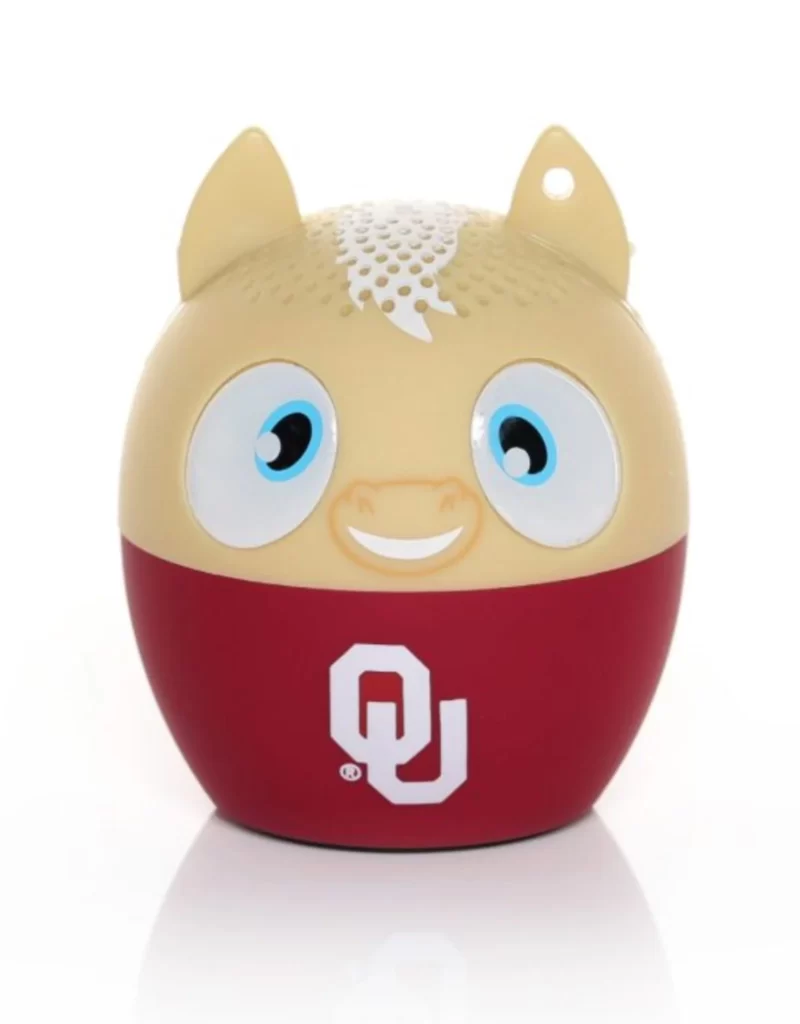
ការភ្ជាប់ Bitty Boomers ទៅឧបករណ៍
ដើម្បីភ្ជាប់ Bitty Boomers ពីរទៅឧបករណ៍, អ្នកត្រូវតែអនុវត្តតាមជំហានទាំងនេះ:
- ជាដំបូងបង្អស់, អ្នកត្រូវតែបើកដោយចុច (9 ប៊ូតុងសម្រាប់អំពី 3 វិនាទី).
- ដូចដែលអ្នកចុច, ភ្លើង LED ពណ៌ខៀវនឹងភ្លឺ បន្ទាប់មកវានឹងបញ្ចេញពន្លឺយ៉ាងលឿន ដែលឥឡូវនេះវាស្ថិតនៅក្នុងរបៀបផ្គូផ្គង.
- ឥឡូវនេះ, អ្នកត្រូវតែកំណត់ទីតាំង Bitty Boomers នៅក្នុងម៉ឺនុយប៊្លូធូសរបស់ឧបករណ៍របស់អ្នក ហើយបន្ទាប់មកជ្រើសរើស Bitty Boomer.
- នៅពេលដែលការផ្គូផ្គងត្រូវបានបញ្ចប់, បទភ្លេងនឹងបន្លឺឡើង.
ភ្ជាប់ Bitty Boomers ពីរទៅឧបករណ៍
ដើម្បីភ្ជាប់ពីរ Bitty Boomers ទៅឧបករណ៍, អ្នកត្រូវតែធ្វើតាមការណែនាំទាំងនេះ:
- ជាដំបូងបង្អស់, អ្នកត្រូវតែធានាថាមិនមានឧបករណ៍បំពងសម្លេង Bitty Boomer បច្ចុប្បន្នត្រូវបានផ្គូផ្គង ឬភ្ជាប់ទៅឧបករណ៍នោះទេ។.
- បន្ទាប់ពីធានា, អ្នកត្រូវបើកថាមពល 2 វាគ្មិន (1 ក្នុងមួយពេល).
- ឥឡូវនេះ, អ្នកត្រូវចុចពីរដងលើប៊ូតុងនៅលើឧបករណ៍បំពងសំឡេងទី 2. បន្ទាប់មក, អ្នកនឹងឮសំឡេងស្រែក ហើយឧបករណ៍បំពងសំឡេងផ្ទុយគួរបង្កើតសំឡេងតភ្ជាប់ខ្លី. (ប្រសិនបើអ្នកមិនឮសំឡេងតភ្ជាប់នេះ។, អ្នកត្រូវចុចទ្វេដងលើប៊ូតុងអូប៉ាល័រទល់មុខ).
- បន្ទាប់មក, អ្នកត្រូវកំណត់ទីតាំង និងជ្រើសរើស Bitty Boomer នៅក្នុងម៉ឺនុយប៊្លូធូសនៃឧបករណ៍របស់អ្នក។.
- ហើយឥឡូវនេះ, អ្នកនឹងត្រូវបានភ្ជាប់ទៅវាគ្មិនទាំងពីររបស់អ្នកដោយជោគជ័យ.
សំណួរគេសួរញឹកញាប់នៃការភ្ជាប់ Bitty Boomers ពីរទៅឧបករណ៍
របៀបសាក Bitty Boomers?
អ្នកត្រូវបញ្ចូលខ្សែសាក Micro USB ទៅក្នុងរន្ធបំពងសម្លេងរបស់អ្នក ដែលមានទីតាំងនៅខាងក្រោយធុងបាស. ឥឡូវនេះ, អ្នកត្រូវដោតចុង USB នៃខ្សែសាកចូលទៅក្នុងរន្ធ USB កុំព្យូទ័រ ឬដោត USB/អាដាប់ទ័រ. ភ្លើងសញ្ញា LED នឹងបិទ ប្រសិនបើឧបករណ៍បំពងសំឡេងរបស់អ្នកត្រូវបានសាកពេញ.
តើអ្វីទៅជាព័ត៌មានសុវត្ថិភាពអំពី Bitty Boomers?
កុំបង្ហាញ Bitty Boomers របស់អ្នកនៅលើពន្លឺព្រះអាទិត្យដោយផ្ទាល់, កុំប៉ះពាល់នឹងកំដៅឬអណ្តាតភ្លើង. កុំប្រើឧបករណ៍បំពងសម្លេងរបស់អ្នកនៅលើយន្តហោះ. កុំព្យាយាមរុះរើ ឬកែប្រែ. វាគ្មិនរបស់អ្នក។.
ហេតុអ្វីបានជាពន្លឺភ្លឹបភ្លែតៗនៅលើឧបករណ៍បំពងសំឡេង Bitty Boomer របស់អ្នក។?
ភ្លើងកំពុងលោតភ្លឹបភ្លែតៗនៅផ្នែកខាងក្រោមនៃ Bitty Boomer ដើម្បីបង្ហាញថាថ្មរបស់ឧបករណ៍បំពងសម្លេងរបស់អ្នកមានកម្រិតទាប. ដូច្នេះ, អ្នកត្រូវព្យាយាមសាកថ្មឧបករណ៍បំពងសំឡេងរបស់អ្នកឱ្យពេញលេញ ហើយមើលថាវាជួយបានឬអត់.
តើប៊ូតុងកំណត់ឡើងវិញនៅលើឧបករណ៍បំពងសម្លេងប៊្លូធូសរបស់អ្នកនៅឯណា?
ដើម្បីកំណត់ឡើងវិញ អ្នកត្រូវសង្កត់ការបន្សំប៊ូតុងដូចជាប៊ូតុងប៊្លូធូស, ប៊ូតុងថាមពល, និងឬប៊ូតុងកម្រិតសំឡេង. អ្នកត្រូវពិនិត្យមើលសៀវភៅណែនាំសម្រាប់ព័ត៌មានលម្អិតបន្ថែម. ជាជំរើសមួយ: ប្រសិនបើល្បិចបន្សំប៊ូតុងមិនដំណើរការ, បន្ទាប់មកអ្នកត្រូវស្វែងរកប៊ូតុង pinhole ដែលត្រូវបានដាក់ស្លាកថាកំណត់ឡើងវិញ. ក្រុមហ៊ុនផលិតមួយចំនួនប្រើប្រាស់នីតិវិធីនៃការកំណត់ឧបករណ៍បំពងសម្លេងរបស់ពួកគេឡើងវិញ.
តើវាគ្មិន Bitty Boomers ប៉ុន្មាននាក់អាចត្រូវបានផ្គូផ្គងជាមួយគ្នា?
2 Bitty Boomers
ទូរសព្ទមួយរបស់អ្នក ឬឧបករណ៍មួយនឹងអនុញ្ញាតឱ្យអ្នកផ្គូផ្គងអតិបរមា 2 Bitty Boomers រួមគ្នា. នៅឡើយ, មិនមែន Bitty Boomers ទាំងអស់នឹងភ្ជាប់ទេ។.
សេចក្តីសន្និដ្ឋាន
សង្ឃឹម, អត្ថបទនេះនឹងជួយអ្នកបានច្រើន. បន្ទាប់ពីអានអត្ថបទនេះ អ្នកអាចភ្ជាប់ Bitty Boomers ពីរទៅឧបករណ៍បានយ៉ាងងាយស្រួល. សម្រាប់ការនេះ, អ្នកគ្រាន់តែធ្វើតាមការណែនាំដែលបានរៀបរាប់ខាងលើដោយប្រុងប្រយ័ត្ន!