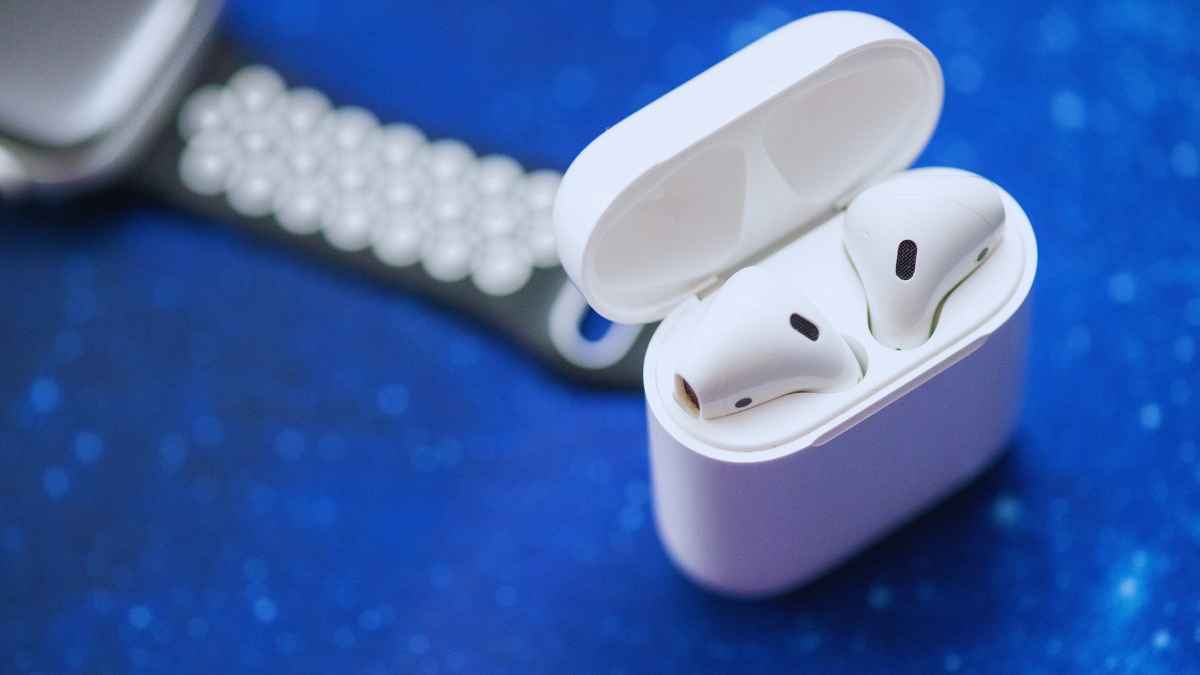
តើអ្នកចង់ផ្គូផ្គងកាសរូបភាពច្បាស់ជាងនេះទៅនឹងឧបករណ៍របស់អ្នកដែរឬទេ?? Sharper Image Earbuds ផ្តល់នូវបទពិសោធន៍ស្តាប់ដ៏ងាយស្រួល និងគុណភាពខ្ពស់សម្រាប់អ្នកប្រើប្រាស់នៅពេលធ្វើដំណើរ. ទោះយ៉ាងណាក៏ដោយ, វាមានសារៈសំខាន់ក្នុងការផ្គូផ្គងកាសរូបភាពច្បាស់ជាងមុនទៅនឹងឧបករណ៍របស់អ្នក។.
ដើម្បីធ្វើដូចនេះធ្វើតាមជំហានផ្គូផ្គងដែលបានផ្តល់ឱ្យដោយប្រុងប្រយ័ត្ននៅក្នុងអត្ថបទនេះ។. យើងក៏ផ្តល់ការណែនាំអំពីរបៀបសាកថ្ម និងប្រើគន្លឹះដោះស្រាយបញ្ហាផងដែរ។, និងមុខងារកម្រិតខ្ពស់. ដូច្នេះ, ចូលទៅក្នុងព័ត៌មានលម្អិត!
កាសស្តាប់រូបភាពកាន់តែច្បាស់
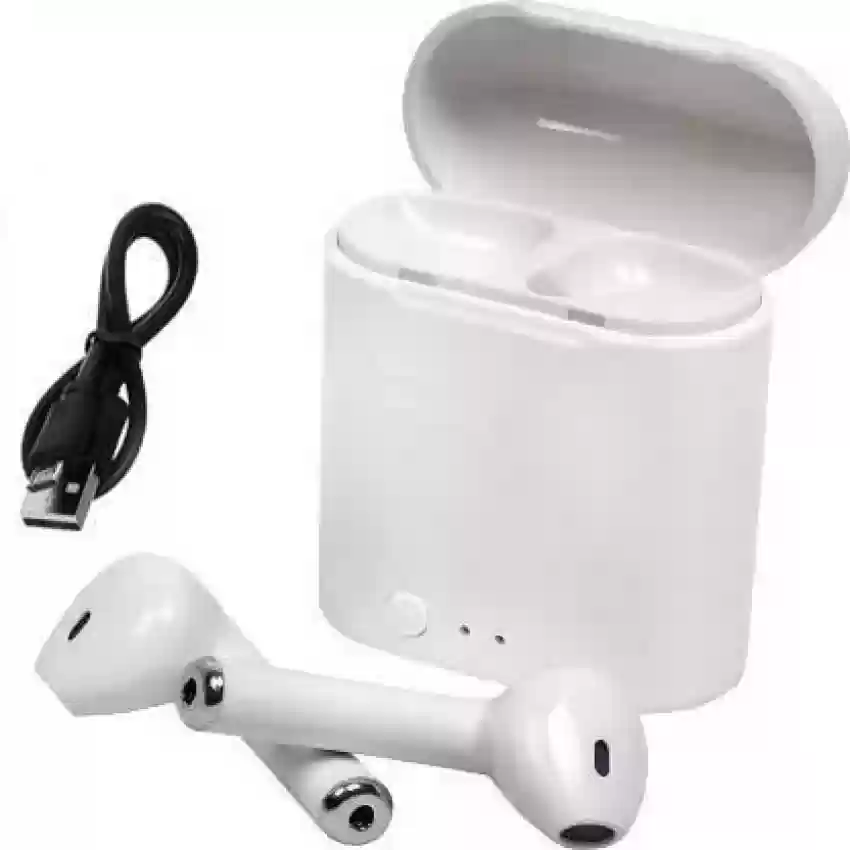
កាសស្តាប់រូបភាពកាន់តែច្បាស់ ត្រូវបានរចនាឡើងដើម្បីផ្តល់នូវគុណភាពសំឡេងកម្រិតខ្ពស់ជាមួយនឹងសំឡេងច្បាស់ល្អដើម្បីផ្តល់ឱ្យអ្នកប្រើនូវបទពិសោធដ៏ល្អបំផុតដែលអាចធ្វើទៅបាន.
ពួកវាសាកឥតខ្សែជាមួយនឹងបច្ចេកវិទ្យា Qi និងផ្គូផ្គងជាមួយឧបករណ៍របស់អ្នកតាមរយៈប៊្លូធូស 5.0 ការតភ្ជាប់. រយៈពេលលេងសរុបគឺរហូតដល់ 16 ម៉ោង.
កាសស្តាប់ត្រចៀកនីមួយៗមាន 2 មីក្រូហ្វូនដែលបានសាងសង់ឡើងនៅក្នុង, allowing you to hear crystal-clear phone calls.
លក្ខណៈសំខាន់ៗនៃកាសស្តាប់រូបភាពច្បាស់ជាងមុន
ការតភ្ជាប់ប៊្លូធូស
The Sharper Image Earbuds connect to your device via Bluetooth technology, providing a wireless and hassle-free listening experience.
ប៉ះវត្ថុបញ្ជា
The Sharper Image Earbuds have touch-sensitive controls. These controls allow you to play/pause music, រំលងផ្លូវដែក, adjust volume, answer/end calls, and activate voice assistants with a simple touch.
ករណីសាកថ្ម
The Sharper Image Earbuds come with a charging case. This case not only provides a safe and convenient storage solution for the earbuds but also serves as a portable charger.
ការផ្គូផ្គងដោយស្វ័យប្រវត្តិ
These earbuds automatically enter pairing mode, when you remove them from the charging case
គុណភាពសំឡេង
These earbuds offer decent sound quality for music playback and calls, with some models featuring noise-cancellation.
ការរចនានិងការលួងលោម
Sharper image earbuds are designed to be lightweight and comfortable for extended wear. They often come with different sizes of ear tips to ensure a secure and comfortable fit.
បញ្ចូលកាសស្តាប់ត្រចៀក និងប្រអប់សាកថ្ម
កាសស្តាប់ត្រចៀក
To charge the earbuds simply put them in the case they will automatically charged. A white LED on the earbuds will turn on while charging and turn off when the earbuds are fully charged.
ករណីសាកថ្ម
សម្រាប់ការសាកថ្មតាមខ្សែ
Connect the charging cable to the case then connect the USB connector to a power source.
សម្រាប់ការសាកឥតខ្សែ
For Wireless charging place the back of the case on a Qi charging base.
Blue lights on the case indicate when the case is charging. តាមងអស់ 4 LEDs will light up when the case is fully charged.
តើធ្វើដូចម្តេចដើម្បីផ្គូផ្គង chebud រូបភាព Shapper ទៅឧបករណ៍របស់អ្នក
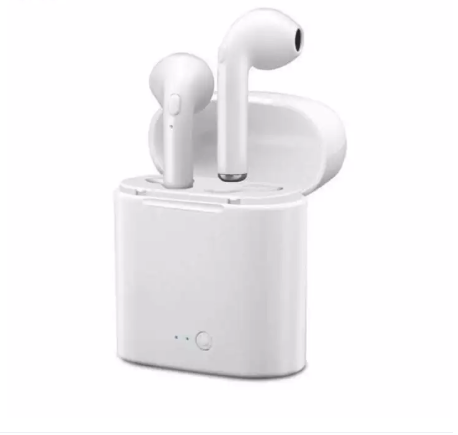
To pair Sharper Image Earbuds to your devices follow the steps carefully without skipping any step
- ទីមួយ, take out both earbuds from the charging case and place them in your ear.
- ឥឡូវនេះ, on your devices go to settings and turn on the Bluetooth.
- Select Sharper Image earbuds from the list of Bluetooth available devices.
- Your earbuds are connected to your device you can now stream music wirelessly from your device to your earbuds.
ប៉ះវត្ថុបញ្ជា
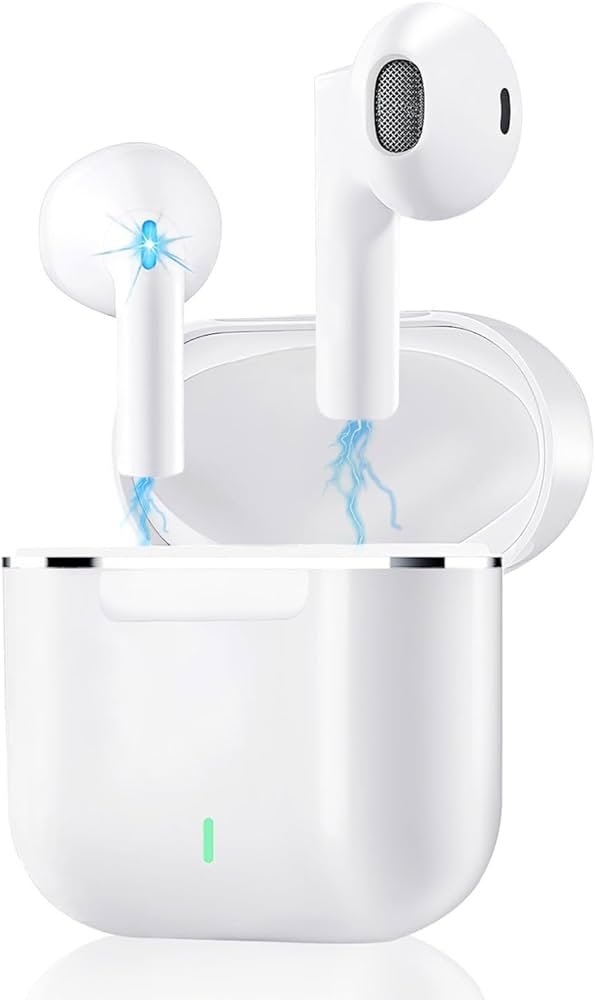
- To enter pairing mode and look for a BT-enabled device tap 4 times on one earbud.
- To clear the paired device while the earbuds are charging, tap one earbud for 5 វិនាទី.
- To connect two earbuds clear paired devices then double tap on each earbud.
- To connect one earbud power off both earbuds then power the one you want to use.
- To switch the microphone between the earbud and the phone triple tap on one earbud.
- Single tap one earbud to switch between 2 ការហៅទូរស័ព្ទ.
- ចុចពីរដងលើកាសស្តាប់ត្រចៀកមួយ ដើម្បីព្យួរការហៅចូល 2 ការហៅទូរស័ព្ទ.
សេចក្តីសន្និដ្ឋាន
កាសស្តាប់ត្រចៀក Sharper Image ត្រូវបានរចនាឡើងដើម្បីភ្ជាប់ទៅឧបករណ៍ជាច្រើន។. ផលិតផលមានប្រយោជន៍ទាំងនេះក៏ធន់នឹងទឹក និងញើសផងដែរ។. ប្រសិនបើអ្នកចង់ភ្ជាប់ក្រវិលដែលបានទិញថ្មីរបស់អ្នកទៅឧបករណ៍របស់អ្នកនោះអ្នកអាចអនុវត្តតាមដំណើរការដែលបានរៀបរាប់ខាងលើ.
បន្ទាប់ពីភ្ជាប់, ត្រចៀកទាំងនេះអនុញ្ញាតឱ្យអ្នករីករាយនឹងអត្ថប្រយោជន៍ពេញលេញបំផុត. ដូច្នេះ នោះហើយជាអ្វីដែលអ្នកត្រូវដឹងពីរបៀបផ្គូផ្គង កាសរូបភាពច្បាស់ជាងមុន ទៅនឹងឧបករណ៍របស់អ្នក។. យើងសង្ឃឹមថាអត្ថបទនេះនឹងជួយអ្នកបានច្រើនក្នុងករណីនេះ!