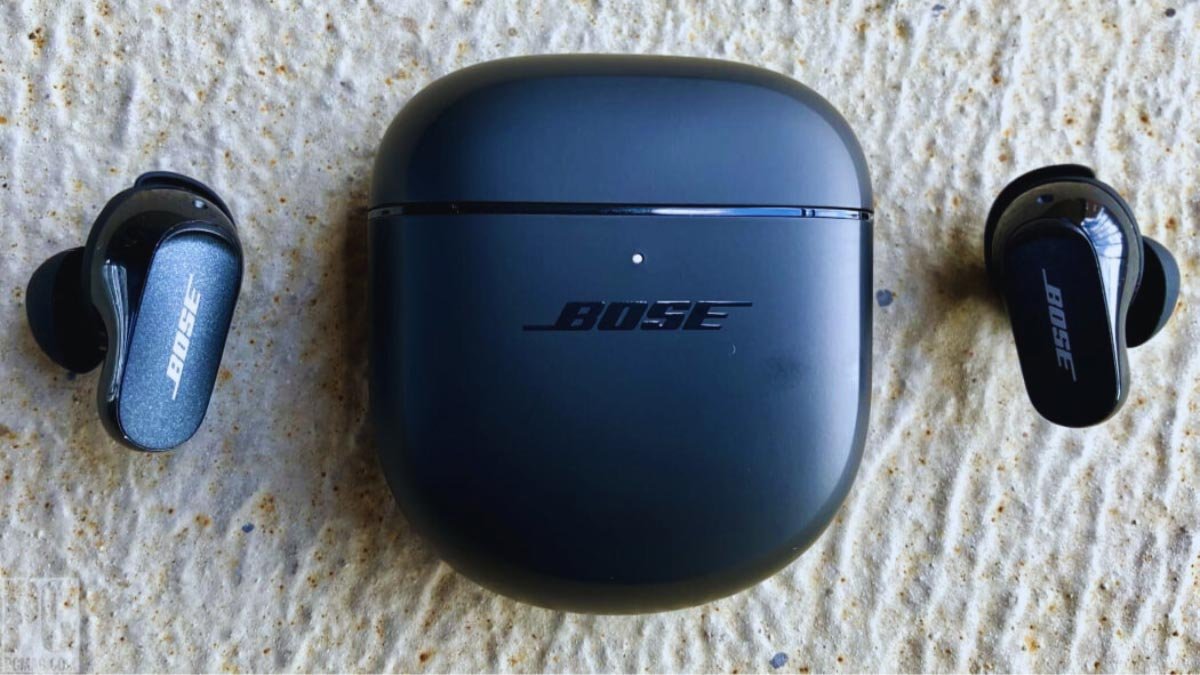
Koj puas xav txuas Bose lub pob ntseg rau koj cov cuab yeej? tiam sis, Cov kauj ruam los txuas Bose pob ntseg sib txawv nyob ntawm lub cuab yeej. Tab sis yog tias koj tsis paub yuav ua li cas ua qhov no, tsis txhob fret.
Peb tau hais txog ob txoj kev xaiv los txuas Bose earbuds.
1: Via app
2: Phau ntawv Bluetooth txuas.
Kab lus no yuav qhia koj los ntawm txhua yam ntawd nrog qee cov lus qhia. Li ntawd, yog li, let’s dive into the details!
Yuav Ua Li Cas Tso Bose Earbuds rau hauv Pairing Mode?
If you are using the earbuds for the first time as you power on them they will automatically go in pairing mode. But if they do not go in pairing mode you put them in pairing mode manually.
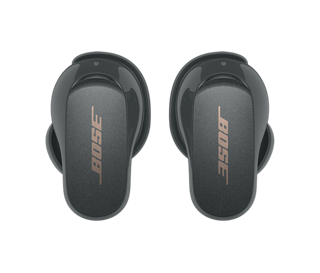
Here we tell you how to put the different models of Bose earbuds in pairing mode.
Bose QuietComfort Earbuds
Press and hold the button on the charging case until the light slowly blinks.
Bose Sport Qhib Earbuds
Press and hold the button on the right earbud for 5 seconds until you hear a sound ready to connect.
Bose SoundSport Wireless
Press and hold the power button on the right earbud until the LED light turns blue.
Yuav Ua Li Cas Txuas Bose Earbuds los ntawm Bose App
Bose has two companion apps:
1: Bose Connect
2: Bose Music
Both are available for iOS and Android devices. The main difference between these apps is that they are only compatible with specific devices.
Txuas los ntawm Bose Connect App
Download the Bose Connect App on Google Play or the Apple App Store. This app is compatible with these earbuds Bose Quiet Control 30, Bose SoundSport Free, Bose SoundSport Pulse, and Bose SoundSport.
- Tam sim no, open the Bose Connect App. Click on Allow Bluetooth permissions.
- Turn your earbuds On put them in pairing mode and bring them close to your device, they should appear on the list of available devices.
- Once your headphones appear in the list of available devices, click on to connect.
Txuas los ntawm Bose Music App
Download the Bose Connect App on Google Play or the Apple App Store. This app is compatible with these earbuds Bose QuietComfort Earbuds, Bose Sport Earbuds, and Bose Sport Open Earbuds.
- Open the Bose Music App. Click to allow Bluetooth permissions.
- Tap Sign in or create an account.
- Tam sim no, select your device. If your device doesn’t appear, tap the + button to add your earbuds.
- When prompted, select Headphones wait for the app to find your earbuds, and make sure your Bose earbuds are in pairing mode.
- The app will tell you when the connection to your device has been successful.
Yuav Ua Li Cas Txuas Bose Earbuds rau Android Manually
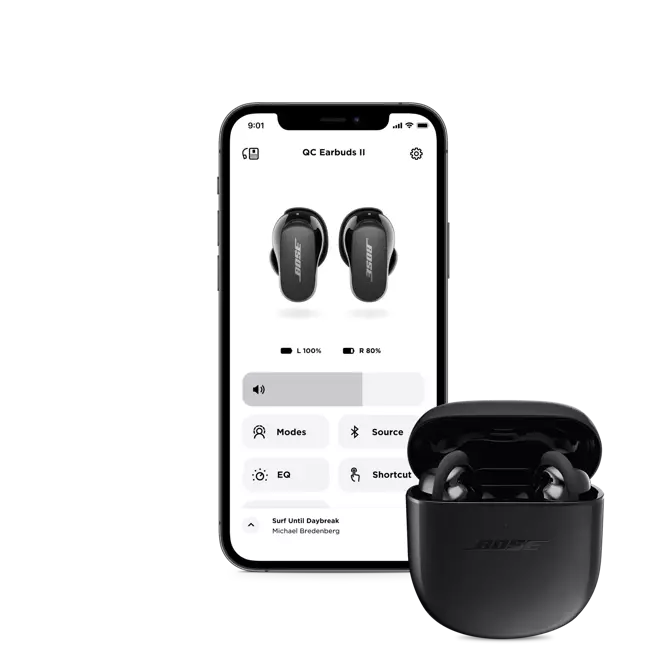
If you don’t want to use any app to connect the Bose earbuds, and want to connect them manually through the Bluetooth settings.
To connect Bose earbuds to your Android devices follow these steps
- Thawj, put your Bose earbuds in pairing mode.
- Open the Settingsapp on your Android device, Mus rau Bluetooth, and turn on.
- Then select your Bose earbuds from the list of available devices.
- After that you should see a message that says Connected when the pairing is successful.
Yuav Ua Li Cas Txuas Bose Earbuds rau iOS Ntaus Ntawv Manually
To connect Bose earbuds to an iPhone? Follow these steps:
- Put your Bose earbuds in pairing mode.
- Go to the Settings app on your iOS device, qhib lub
- and tap on Bluetooth to turn on.
- Then select your Bose earbuds from the list.
- After that wait for the message to say Connected to know that the pairing is successful.
Txuas Bose Earbuds rau Windows PC
There is no Bose app available for PC, you can be connected them to a Windows PC by using Bluetooth.
- Ua ntej no, open the StartMenuby clicking on the squareicon at the corner of your taskbar.
- Turn on your Bluetooth, click on the Bluetoothmenu and select Go to Settings.
- Select Add Bluetooth & Lwm yam khoom siv. Click on Bluetooth.
- Turn on your Bose earbuds and put them in pairing mode.
- Then wait the earbuds appear in the list of available devices, click on them to start pairing.
Yuav Ua Li Cas Txuas Bose Earbuds rau Mac
To connect Bose Earbuds to Mac follow the steps carefully.
- Thawj, click on theAppleicon on the top left of your screen and select System Settings.
- Select Bluetoothicon and turn it on.
- Put your Bose earbuds in pairing mode.
- Your earbuds should appear in the list of available devices, select them and click Connect.
- Then wait for the label on the screen to say Connected.
Rov pib dua Bose Earbuds
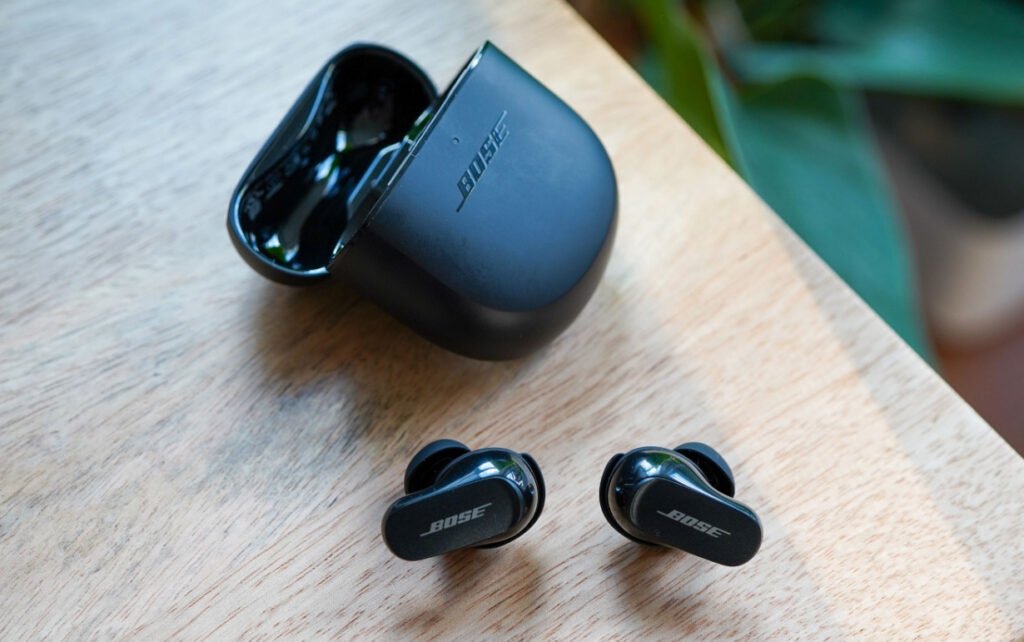
To reset the Bose Earbuds follow the steps.
Bose QuietComfort Earbuds
If you have QuietComfort Earbuds, and to reset them by following method.
- Put your earbuds in the charging case.
- Ces, close the charging case lid for 5 vib nas this, then open the lid.
- Press and hold the buttonin the case for 30 vib nas this. The LEDs on the earbuds blink, glow solid white, then blink blue.
- Go to your device’s Bluetoothsettings and selectForgetto erase your earbuds from your device’s memory.
- Reconnect your earbuds to your device.
Rov pib dua Bose Sport qhib pob ntseg pob ntseg
To reset the Bose Sport Open Earbuds follow the step
- Place both earbuds on the charging case.
- Press and hold thebuttonon the right earbud for 10 vib nas this. The status light will blink 2 Lub sijhawm.
- Tom qab ntawd nias thiab tuav lub pob ntawm lub pob ntseg sab laug rau 10 vib nas this. The status light will blink 2 times.
- Tam sim no, tos 10 vib nas this, tom qab ntawd tshem tawm lub pob ntseg ntawm lub thawv them. Lub pob ntseg tam sim no rov pib dua.
Rov pib dua Bose SoundSport Earbuds
Koj tuaj yeem rov pib dua Bose SoundSport Earbuds los ntawm kev ua raws li cov kauj ruam no
- Tua koj lub pob ntseg thiab tos 30 vib nas this.
- Txuas koj lub pob ntseg rau lub qhov hluav taws xob phab ntsa nrog USB charger.
- Tos 5 vib nas this ua ntej txiav tawm USB cable los ntawm lub pob ntseg pob ntseg.
- Tos 1 feeb ua ntej fais fab ntawm koj lub pob ntseg pob ntseg.
Rov pib dua Bose Sport Earbuds
Koj tuaj yeem rov pib dua Bose Sport Earbuds los ntawm kev ua raws li cov kauj ruam no
- Muab lub pob ntseg tso rau hauv rooj plaub. kaw lub hau ntawm rooj plaub rau 5 vib nas this, tom qab ntawd qhib nws.
- Hauv lub thawv them, nias thiab tuav lub pob rau 30 vib nas this ua ntej tso nws. Lub pob ntseg LEDs yuav ntsais muag, ci dawb, thiab tom qab ntawd ntsais muag xiav.
- Mus rau Cov Cuab Yeej Chaw thiab Tshem Tawm lossis Tsis Nco Qab Bose lub pob ntseg los ntawm cov npe ntawm cov khoom siv.
- Tam sim no, rov txuas koj lub pob ntseg rau koj lub cuab yeej.
Xaus
Thaum Bose cov khoom lag luam feem ntau zoo nkauj yooj yim siv, tej zaum koj yuav xav tau kev pab me ntsis txuas koj lub pob ntseg Bose rau koj cov khoom siv txhua ib zaug hauv ib pliag.
Tab sis tom qab nyeem tsab xov xwm no, koj yuav tuaj yeem txuas Bose Earbuds rau PC, Mac, android, lossis iOS no pab kiag li lawm. Koj tuaj yeem tam sim no txaus siab rau koj lub suab paj nruag, tsis muaj teeb meem dab tsi pob ntseg qauv koj siv. Bose cov khoom feem ntau zoo nkauj yooj yim siv, thiab tseem hais txog yuav ua li cas rov pib dua lawv. We hope this article will help you a lot in this case!