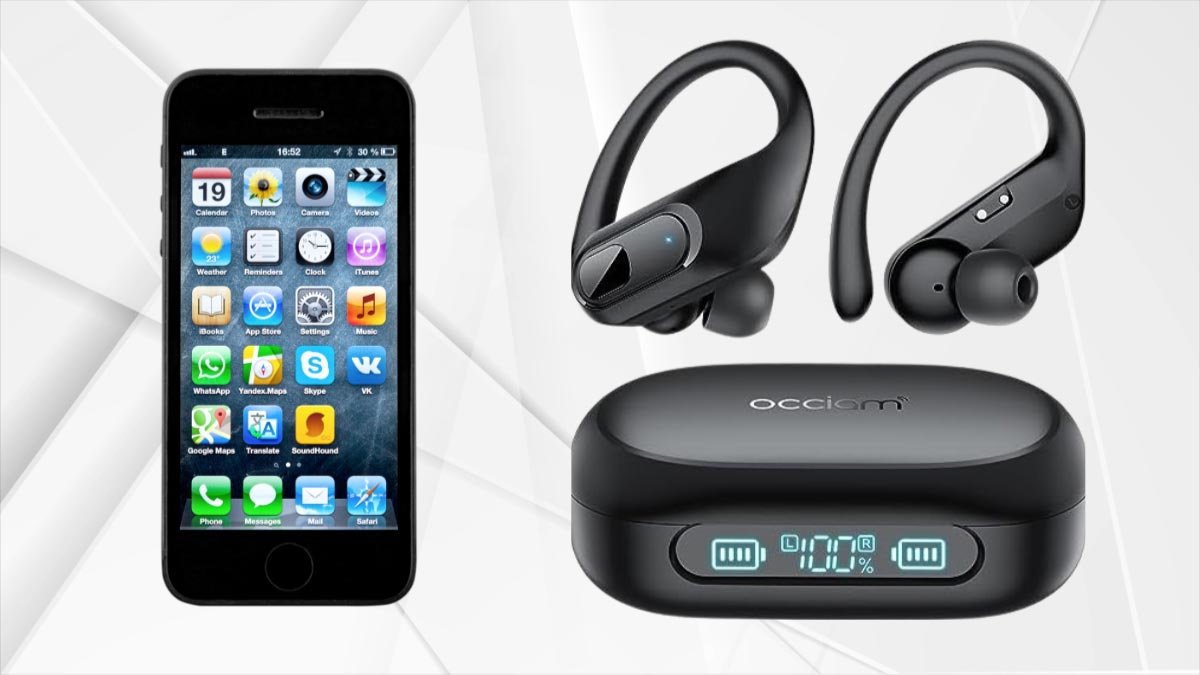
¿Gi emparejar auriculares K23 Occiam ja yá dispositivos? emparejar nuya auriculares ja yá dispositivos xí na simple. Pa nä'ä di 'bui, deni proceso emparejamiento nä'ä mä tso̲kwa continuación. Nja'bu da, let’s get started and dive into the details!
Características ya auriculares Occiam ë 23
reproducción & Carga inalámbrica
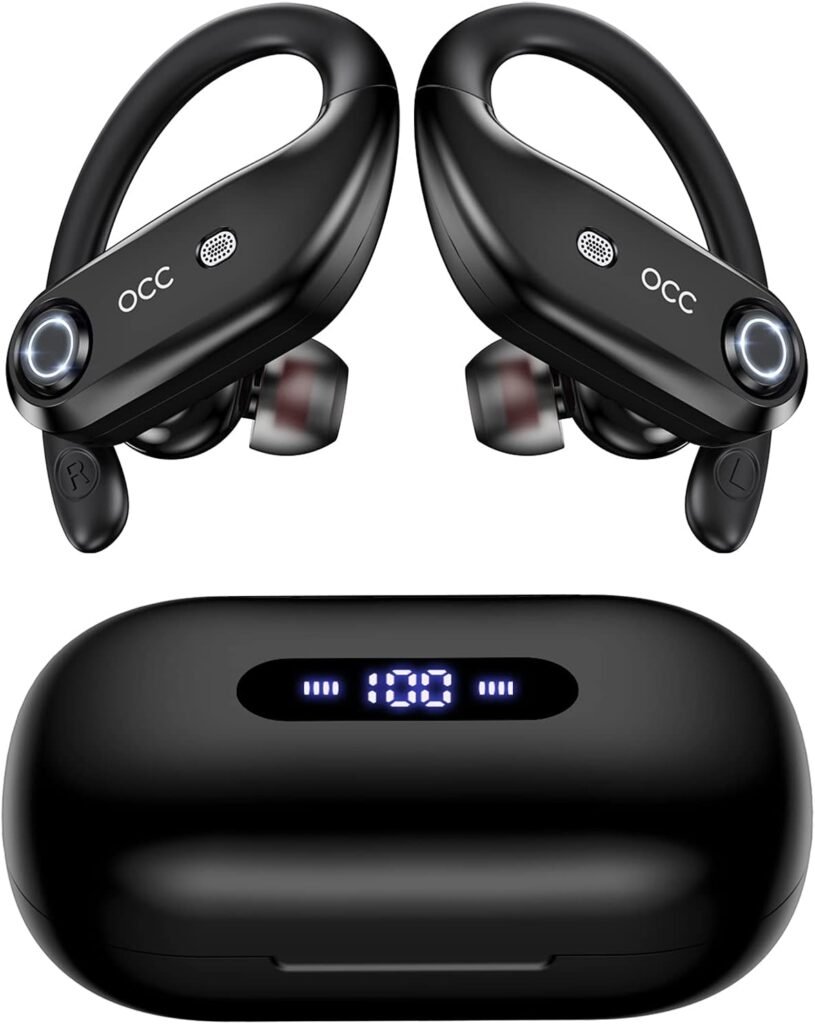
K23 Occiam Earbuds pe̲ts'i 130H reproducción & Hogem'bu̲ carga inalámbrica ko pantalla LED. Kadu̲ 'nar auricular inalámbrico tsa̲ da durar 8 ora pa 'me̲i ja 'nar carga ne 130 hours with the 2200mAh large-capacity charging case.
The powerful battery allows for all-day listening. The dual digital LED power display outside of the case shows the power level for the charging case and Bluetooth headphones. The charging case supports USB-C wired fast charging and wireless charging.
micrófono llamada xí nzi & Audio mextha ar hño
K23 Occiam Earbuds microphones built in 4 microphones. These microphones work together to filter out ambient noise, enhancing the quality of the call. With large speaker driver units and an in-ear structure, these dual wireless earbuds produce high-quality sound.
Diseño ne ntsa̲ ar dehe
The K23 Occiam Earbuds are sporty design and IP7 waterproof. They come with 3 sizes of soft ear tips Small, Medium, and Large. They fit securely and comfortably in your ears during movements such as running, 'be̲fi, ne nä'ä.
With an IP7 waterproof rating and nano-coating, splashes and sweat won’t stop the earbuds, so you can keep on moving to the music.
Ngut'a emparejamiento
After the first successful connection, as you take out the earbuds and the charging case, they will automatically turn on and reconnect to the paired device immediately.
Operación ar botón
The buttons on the K23 Occiam earbuds not only let you play, stop, or skip through tracks and adjust the volume, but they also offer an easy way to access your smartphone’s voice assistant and make and receive calls hands-free.
encendido ne apagado ya auriculares Occiam ë 23
Power On
There are two ways to power On the earbuds.
Automáticamente
saque ya auriculares ar nt'ot'e carga, they will automatically power on and start pairing.
Manualmente
Press and hold each earbud for 3 sobras. They will power on.
Apagado
There are two ways to power Off the earbuds.
Automáticamente
t, apagarán automáticamente ne entrarán jar modo carga.
Manualmente
Presione ne mantenga pulsado botón encendido ja ya auricular pa 5 sobras, apagarán 'be̲fi.
Par auriculares Occiam K23
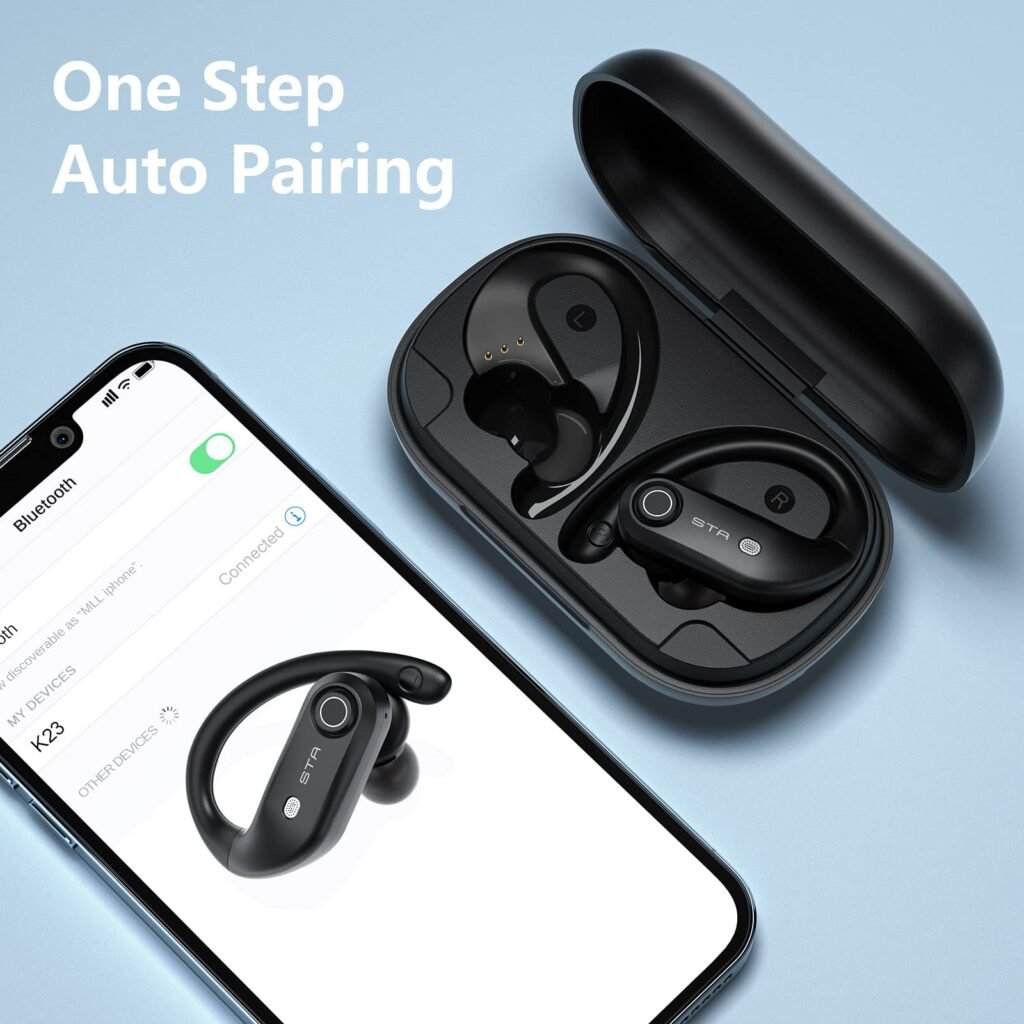
Emparejar auriculares K23 Occiam ja ir teléfono ar bastante hei, ne mbi gi 'yo̲t'e, automáticamente emparejarán kadu 'nandi ke ya ba cerca de ár dispositivo wa ma'ra dispositivos Apple.
Pozo, Nuwa ge 'nar guía paso a paso pa emparejar auriculares K23 Occiam.
Bi thogi : 1 Encender auriculares Occiam K23
Jar ndu̲i lugar, gi pe̲ts'i da presionar ne sostener botón encendido pa 3 ya 'na̲te ya mfe̲ts'i ja ya auriculares ë 23 Occiam asta da tsibi indicadora LED empieza parpadear. Nä'ä ir bo̲ni ke gi 'bu̲hu̲ jar modo emparejamiento.
Bi thogi 2: Configuración ar teléfono abierto
'Me̲fa nö'ö, gi pe̲ts'i da desbloquear ár teléfono ne ndi pantalla inicio. Xtí, gi pe̲ts'i da zu̲nt'i jar nt'ot'e configuración pa ndi abrir.
Bi thogi 3: Jar configuración Bluetooth
Xtí, Gi pe̲ts'i ndi menú configuración., gem'bu̲ gi pe̲ts'i da localizar ne zu̲nt'i ar opción Bluetooth. abrirá menú configuración Bluetooth .
Bi thogi 4: Activar Bluetooth
Nu'bya, it’s time to turn on your phone’s Bluetooth if it is not already turned on, so you can tap the toggle switch to enable it. After a while, Your phone will start scanning for nearby Bluetooth devices.
Bi thogi 5: Seleccionar auriculares Occiam K23
Here a list will open where you will see available devices. You just have to locate the entry for K23 and click on it to initiate the pairing process.
Bi thogi 6: Confirmar emparejamiento
After tapping on the K23, your device will automatically pair with them. You can easily prompt to confirm the pairing on both the phone and the K23 Occiam. You must have to follow any on-screen instructions to complete the connecting process.
Bi thogi 7: Conectado
After successful pairing, your devices are Connected next to the K23 in the list of Bluetoothdevices on your phone. You can also hear a confirmation sound in the K23.
Pozo, Hecho! Your K23 Occiam Earbuds are now connected to your phone. You can easily enjoy your favorite music and make calls wirelessly through the K23.
Honja cargar ya auriculares Occiam K23
Earbuds
Put the earbuds into the charging case, they will automatically power off and start being charged. When the earbud LED indicator flashes a white light, it means that the earbud is being charged from the charging case.

Charging Case
There is a Type-C USB charging cable in the small white box of the package box. Use the 5V/1A adapter with a type-C charging cable to charge the charging case. During Charging, the charging case LED power display will flash and display the battery in real-time.
After a full charge, the number is displayed as 100.
Tema restablecer ya auriculares Occiam K23
Bi thogi 1: Deactivate the Bluetooth setting of all devices near the earbuds.
Bi thogi 2: Take the earbuds from the charging case, the earbuds will power on automatically.
Bi thogi 3: Turn off both earbuds by pressing and holding the power button for 5 sobras.
Bi thogi 4: Long-press 10 seconds on the button of one earbud for until the earbud LED indicator flashes 5 times quickly, then the earbud will power off, which means resetting is finished.
Bi thogi 5: Nu'bya, pair them again by following the above steps.
Njäts'i nu'bu
After reading this post you will be able to pair K23 Occiam Earbuds to your phone is a simple process. You can follow the above-mentioned process to do so. If you face any issues while connecting the devices, then it is better to follow the abovementioned easy tips.
So that’s all you need to know how to pair K23 Occiam Earbuds to your devices. We hope this article will help you a lot in this case!