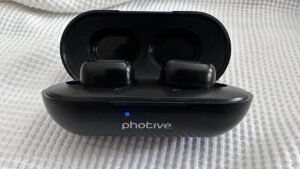
Aytaylik, siz Mpow Bluetooth eshitish vositasini oldingiz va Mpow minigarnituralarini yoqmoqchisiz. Ammo nima qilishni bilmaysiz. Xavotir olmang, bu erda uni sozlash va qurilmangiz bilan ishlatish bo'yicha ko'rsatmalar mavjud, uni qanday yoqish kerak. Keling, tafsilotlarga o'tamiz!
Mpow naushniklarini qanday yoqish mumkin?
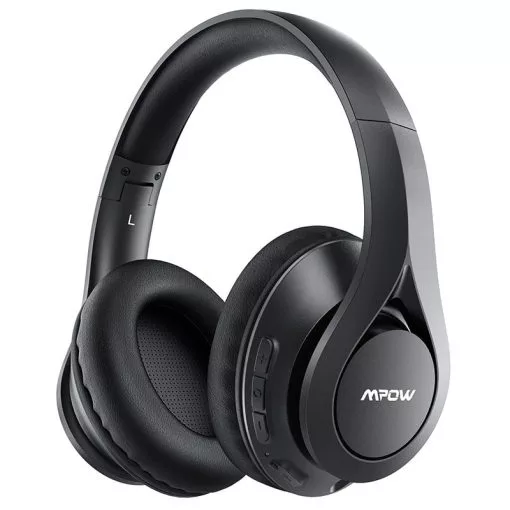
Mpow-ni yoqish uchun Naushniklar ko'p funksiyali tugmani taxminan bosib turing 3 soniyalarda ular LED chiroqlari qizil va ko'k yoki qizil va oq miltillay boshlaguncha yonadi.
Mpow minigarnituralarini ulanish rejimiga qanday qo'yish kerak?
Ulanishdan oldin Mpow naushniklar har qanday qurilma bilan, ularni juftlashtirish rejimiga qo'yishingiz kerak.
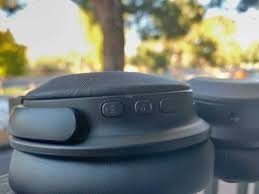
Ularni ulash rejimiga qo'yish uchun bosqichlarni bajaring.
- Quvvat tugmasini bosib ushlab turish orqali Mpow naushniklarini yoqing, ulanish so'rovini eshitganingizdan so'ng.
- Agar siz naushniklarni avvaldan ulagan bo'lsangiz, yoqish tugmasini bosing va ushlab turing 3 uchun 7 soniya va eshitish vositasi yangi ulanish o'rnatishga tayyor bo'lganda, ulanish so'rovini eshitasiz.
Mpow minigarnituralarini Android telefoningizga qanday ulash mumkin?
Mpow minigarnituralarini yoqqaningizdan va ularni ulash rejimiga qo'yganingizdan so'ng ularni Android qurilmangizga ulashingiz mumkin.
- Sozlamalarni oching, ulangan qurilmaga teging, yangi qurilmani ulash tugmasini bosing, va Bluetooth yoqilganligiga ishonch hosil qiling.
- Keyin, Mpow minigarnituralaringiz qurilmalar ro'yxatida paydo bo'lishini kuting.
- Endi ularni qurilmangizga ulash uchun Mpow naushniklaringizga teging.
Eslatma: Bu qadamlar Android qurilmangiz modeliga qarab biroz farq qilishi mumkin.
Mpow minigarnituralarini iPhone bilan qanday ulash mumkin?
Mpow minigarnituralarini iPhone bilan ulash oddiy jarayon. Buning uchun amallarni bajaring
- Birinchidan, sozlamalarni oching va Bluetooth-ni yoqing.
- Keyin, Mpow minigarnituralaringiz qurilmalar ro'yxatida paydo bo'lishini kuting.
- Endi ularni iPhone-ga ulash uchun Mpow minigarnituralaringizga teging.
Mpow minigarnituralarini Windows kompyuteriga qanday ulash mumkin?
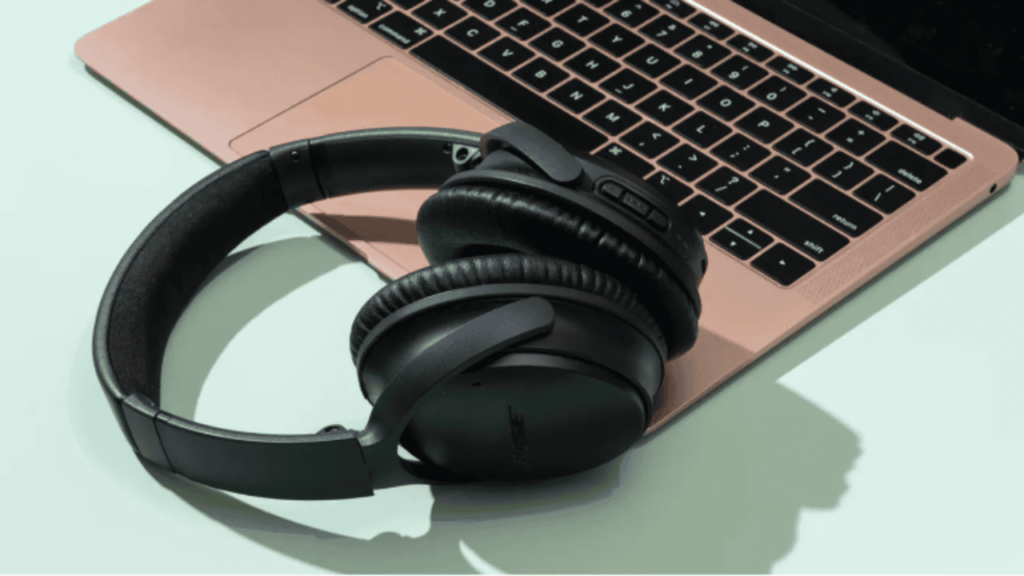
Eshitish vositalarini Windows kompyuteriga ulash uchun oson qadamlarni bajaring.
- Birinchidan, boshlash paneliga o'ting va sozlamalarni bosing.
- Qurilmalar > Bluetooth-ga teging & Boshqa qurilmalar > Bluetooth yoki boshqa qurilmalarni qo‘shish > Bluetooth, va bu erda Bluetooth yoqilganligiga ishonch hosil qiling.
- Hozir, naushniklaringiz ro'yxatda paydo bo'lishini kuting.
- Ulanish uchun Mpow Eshitish vositalarini bosing.
Mpow minigarnituralarini qanday tiklash mumkin?
Mpow minigarnituralarini qayta o'rnatish uchun ko'p funksiyali tugmachani uzoq bosib turing, shunda chiroqlar miltillovchi ko'k chiroqni yoritadi. 3 vaqt. Boshqa tarafdan, ba'zi modellarda, ko'p funksiyali va ovoz balandligi tugmachalarini bosib turishingiz kerak bo'lishi mumkin 4 soniya.
Haqiqiy simsiz MPOW quloqchinlarini tiklash uchun, gacha ko'p funksiyali tugmani bosing va ushlab turing 5 soniya ichida quloqchinlar qutida bo'lganda.
Zoom-da mikrofonlarni o'zgartirish
Zoom yig'ilishida bo'lganingizda, qaysi mikrofon va Zoom dinamikidan foydalanishni tanlashingiz mumkin.
Buning uchun menyuni oching, kichik yuqoriga o'qni bosing (A) Ovozni o'chirish tugmasi yonida. Agar u allaqachon tekshirilmagan bo'lsa, Mikrofonni tanlash va Karnayni tanlash ro'yxatida Mpow M5 ni tanlash uchun bosing.
Mpow naushniklar tugmalari
- Siz mikrofon bumi oxiridagi Ko'p funksiyali tugmani ikki marta bosish orqali naushniklar ovozini o'chirib qo'yishingiz mumkin.. Bu indikator chirog'ining vaqti-vaqti bilan ikkita ko'k chiroqni ko'rsatishiga olib keladi, va siz vaqti-vaqti bilan telefon bandligi signaliga o'xshash ikkita signal eshitasiz; bular mikrofonning ovozi o'chirilganligini bildiradi.
- Eshitish vositasi ovozini o'chirish uchun Ko'p funktsiyali tugmani yana ikki marta bosing.
- Eshitish vositasini o'chirish uchun, dan ortiq vaqt davomida Ko‘p funksiyali tugmani bosib turing 5 soniya yoki indikator chirog'i qizil yonib-o'chguncha.
- Eshitish vositalarini qayta yoqish uchun, uchun ko'p funktsiyali tugmani bosib turing 3 – 5 soniya, signal signalini eshitmaguningizcha va indikator ko'k rangda miltillaydi.
- Ovozni oshirish va pasaytirish tugmalari noutbukda ishlamaydi, garchi siz naushniklarni telefon yoki iPad bilan bog'lasangiz, ular ishlashi mumkin.
Nima uchun Mpow naushniklari yoqilmaydi?
Mpow minigarnituralari yoqilmasligining bir necha sabablari bo'lishi mumkin. Bu yerda siz sinab ko'rishingiz mumkin bo'lgan muammolarni bartaraf etishning bir necha qadamlari
Batareya darajasini tekshiring
Eshitish vositalari to'liq zaryadlanganligiga ishonch hosil qiling. Agar batareya quvvati past bo'lsa, minigarnituralar yoqilmasligi mumkin.
Eshitish vositalarini qayta o'rnating
Ba'zi Bluetooth minigarnituralarida qayta tiklash funksiyasi mavjud. Agar ular yoqilmagan bo'lsa, yuqoridagi ko'rsatmalarga amal qilib, ularni qayta o'rnating.
Jismoniy zararni tekshiring
Eshitish vositalarini yoqishga xalaqit berishi mumkin bo'lgan jismoniy shikastlanish yoki bo'shashgan ulanishlarni tekshiring.
Xulosa
Xo'sh, agar siz Mpow minigarnituralarini yoqmoqchi bo'lsangiz, keyin yuqorida aytib o'tilgan jarayonlar orqali Mpow naushniklarini yoqishingiz mumkin. Siz ko'rsatmalarga diqqat bilan amal qilishingiz kerak. Shunday qilib, siz bilishingiz kerak bo'lgan hamma narsa Mpow minigarnituralarini qanday yoqish mumkin? Umid qilamizki, ushbu maqola sizga ko'p yordam beradi!