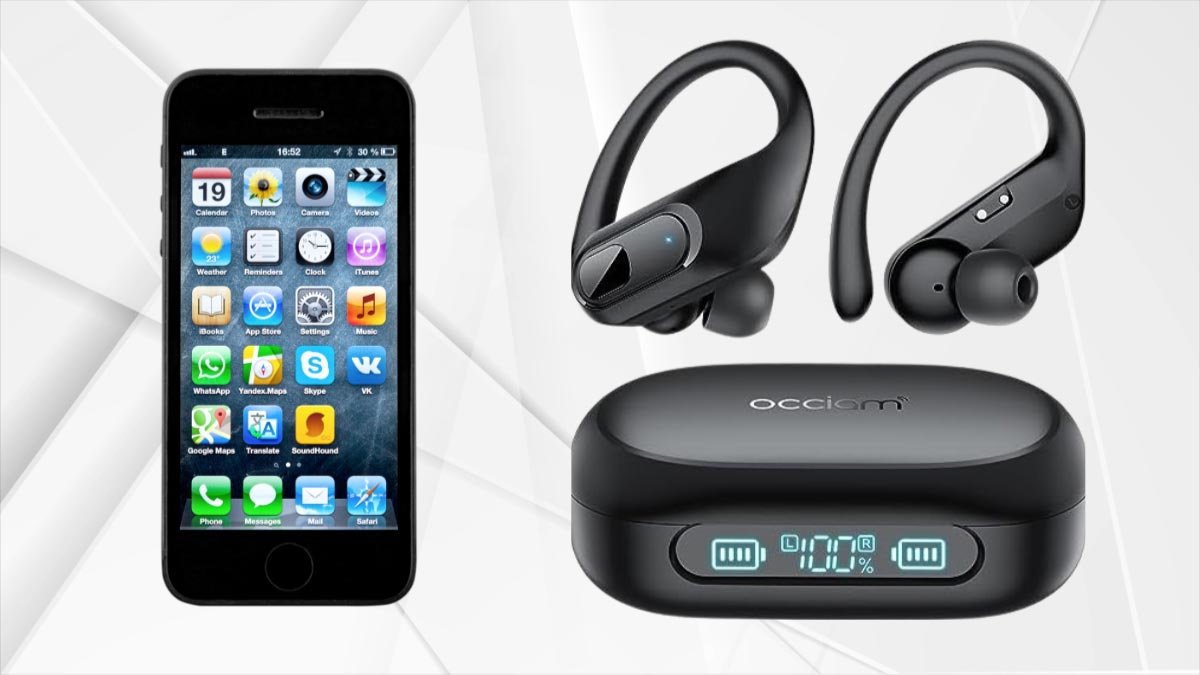
צי איר ווילן צו פאַרבינדן K23 Occiam עאַרבודז צו דיין דעוויסעס? פּערינג די עאַרבודז צו דיין דעוויסעס איז אַזוי פּשוט. צו טאָן דאָס נאָכגיין די פּערינג פּראָצעס געגעבן אונטן. אַזוי, לאָזן אונדז אָנהייבן און ונטערטוקנ זיך אין די דעטאַילס!
Features of K23 Occiam Earbuds
פּלייַבאַקק & Wireless Charging
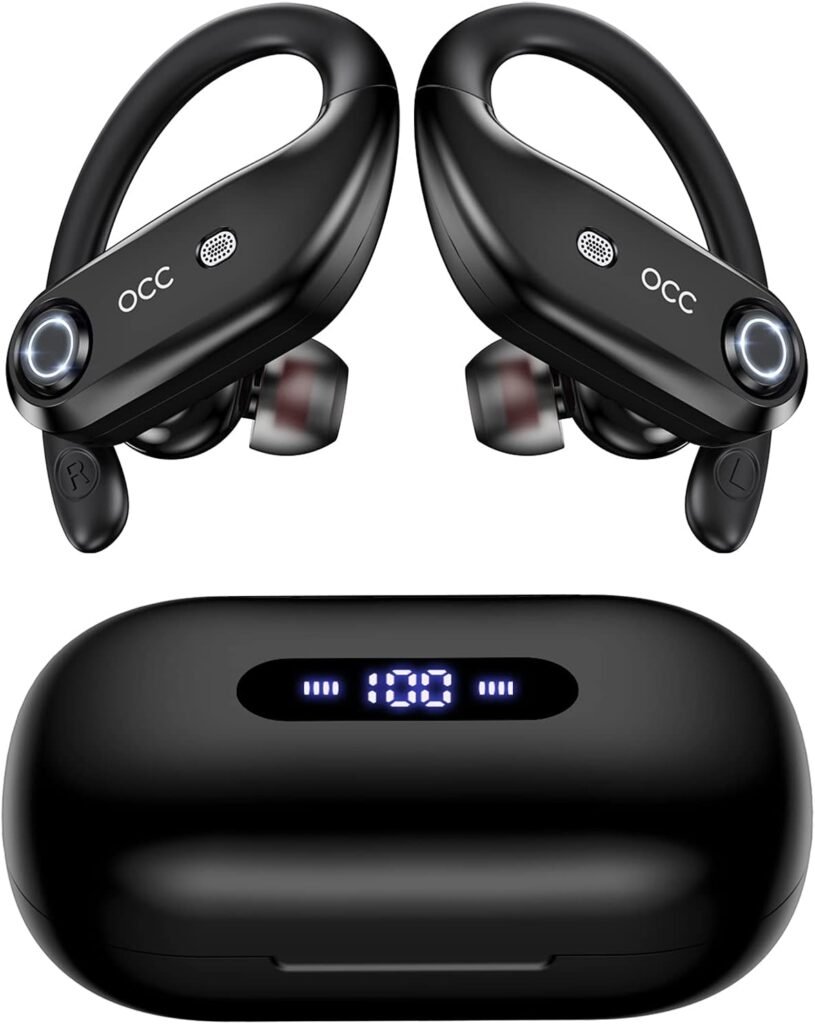
K23 Occiam Earbuds have a 130H Playback & Wireless Charging Case with LED Display. Each wireless earbud can last 8 hours of music time on a charge and 130 hours with the 2200mAh large-capacity charging case.
The powerful battery allows for all-day listening. The dual digital LED power display outside of the case shows the power level for the charging case and Bluetooth headphones. The charging case supports USB-C wired fast charging and wireless charging.
Mic Clear Call & High-quality Audio
K23 Occiam Earbuds microphones built in 4 microphones. These microphones work together to filter out ambient noise, enhancing the quality of the call. With large speaker driver units and an in-ear structure, these dual וויירליס עאַרבודז produce high-quality sound.
Design and Waterproof
The K23 Occiam Earbuds are sporty design and IP7 waterproof. They come with 3 sizes of soft ear tips Small, מיטל, and Large. They fit securely and comfortably in your ears during movements such as running, ארבעטן, און מער.
With an IP7 waterproof rating and nano-coating, splashes and sweat won’t stop the earbuds, so you can keep on moving to the music.
Fast Pairing
After the first successful connection, as you take out the earbuds and the charging case, they will automatically turn on and reconnect to the paired device immediately.
Button Operation
The buttons on the K23 Occiam earbuds not only let you play, stop, or skip through tracks and adjust the volume, but they also offer an easy way to access your smartphone’s voice assistant and make and receive calls hands-free.
Power On and Off the K23 Occiam Earbuds
מאַכט אויף
There are two ways to power On the earbuds.
אויטאָמאַטיש
נעמען אויס די עאַרבודז פון די טשאַרדזשינג פאַל, they will automatically power on and start pairing.
מאַניואַלי
Press and hold each earbud for 3 סעקונדעס. They will power on.
מאַכט אַוועק
There are two ways to power Off the earbuds.
אויטאָמאַטיש
שטעלן די עאַרבודז צוריק אין די טשאַרדזשינג פאַל, they will automatically power off and enter charging mode.
מאַניואַלי
Press and hold the power button on each earbud for 5 סעקונדעס, they will power Off.
Pair K23 Occiam Earbuds
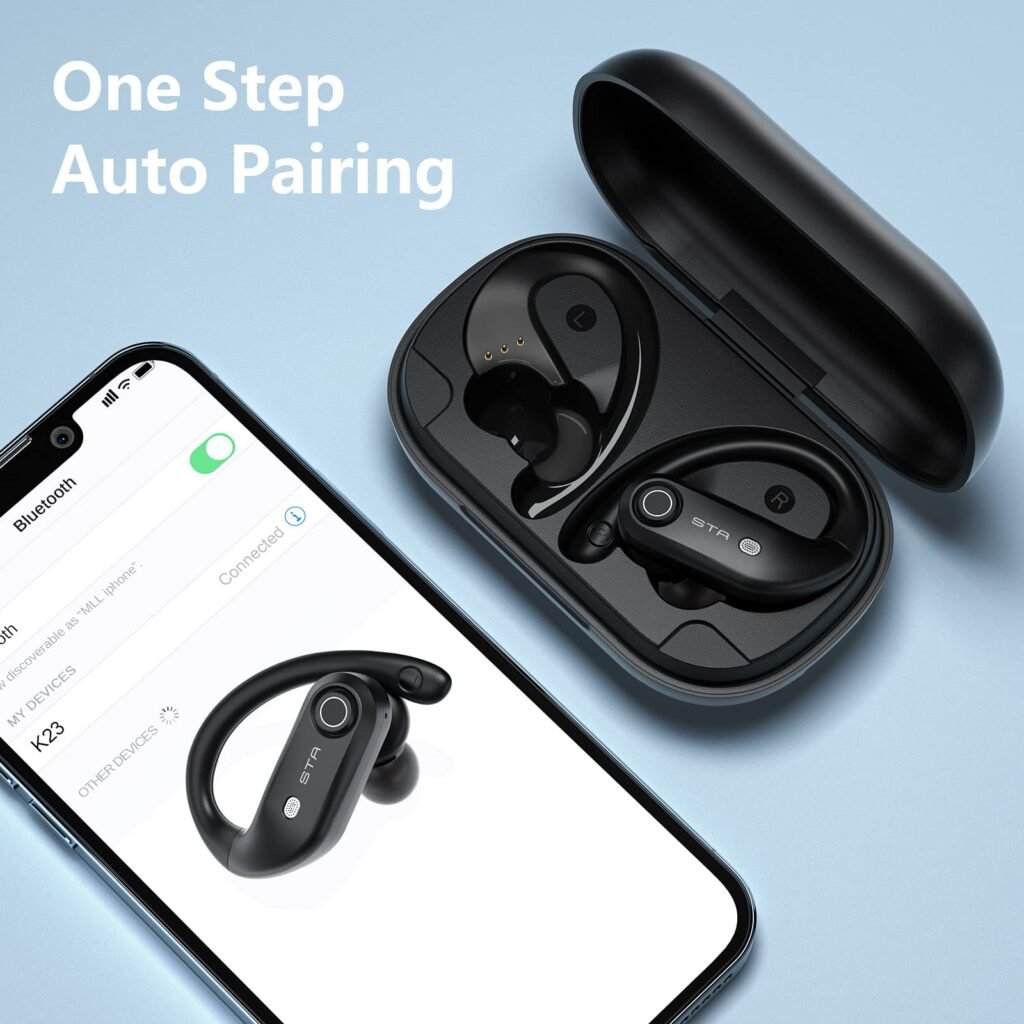
Pair K23 Occiam Earbuds to your phone is pretty easy, and once you do so, they will automatically pair each time you bring them near your device or other Apple devices.
נו, here is a step-by-step guide to pair K23 Occiam Earbuds.
טרעפּל: 1 Turn On K23 Occiam Earbuds
צום ערשט, you have to Press and hold the power button for 3 seconds on the K23 Occiam Earbuds until the LED indicator light starts flashing. That means they are in pairing mode.
טרעפּל 2: Open Phone Settings
נאך דעם, you have to unlock your Phone and go to the home screen. ווייַטער, you have to tap on the Settings app to open it.
טרעפּל 3: Navigate to Bluetooth Settings
ווייַטער, איר האָבן צו גיין צו די סעטטינגס מעניו, then you have to locate and tap on the Bluetooth option. it will open the Bluetooth settings menu.
טרעפּל 4: קער אויף בלועטאָאָטה
איצט, it’s time to turn on your phone’s Bluetooth if it is not already turned on, so you can tap the toggle switch to enable it. נאָך אַ בשעת, Your phone will start scanning for nearby Bluetooth devices.
טרעפּל 5: Select K23 Occiam Earbuds
Here a list will open where you will see available devices. You just have to locate the entry for K23 and click on it to initiate the pairing process.
טרעפּל 6: Confirm Pairing
After tapping on the K23, your device will automatically pair with them. You can easily prompt to confirm the pairing on both the phone and the K23 Occiam. You must have to follow any on-screen instructions to complete the connecting process.
טרעפּל 7: קאָננעקטעד
After successful pairing, your devices are Connected next to the K23 in the list of Bluetoothdevices on your phone. You can also hear a confirmation sound in the K23.
נו, געטאן! Your K23 Occiam Earbuds are now connected to your phone. You can easily enjoy your favorite music and make calls wirelessly through the K23.
ווי צו טשאַרדזשינג די עאַרבודז און טשאַרדזשינג פאַל
עאַרבודז
Put the earbuds into the charging case, they will automatically power off and start being charged. When the earbud LED indicator flashes a white light, it means that the earbud is being charged from the charging case.

טשאַרדזשינג קאַסע
עס איז אַ טיפּ-C וסב טשאַרדזשינג קאַבלע אין די קליין ווייַס קעסטל פון די פּעקל קעסטל. ניצן די 5 וו / 1 אַ אַדאַפּטער מיט אַ טיפּ-C טשאַרדזשינג קאַבלע צו באַשולדיקן די טשאַרדזשינג פאַל. בעשאַס טשאַרדזשינג, די טשאַרדזשינג פאַל געפירט מאַכט אַרויסווייַזן וועט בליץ און אַרויסווייַזן די באַטאַרייע אין פאַקטיש-צייט.
נאָך אַ פול אָפּצאָל, די נומער איז געוויזן ווי 100.
How to Reset the K23 Occiam Earbuds
טרעפּל 1: דיאַקטיווייט די בלועטאָאָטה באַשטעטיקן פון אַלע דעוויסעס לעבן די עאַרבודז.
טרעפּל 2: נעמען די עאַרבודז פון די טשאַרדזשינג פאַל, די עאַרבודז וועט קער אויף אויטאָמאַטיש.
טרעפּל 3: קער אַוועק ביידע עאַרבודז דורך דרינגלעך און האַלטן די מאַכט קנעפּל פֿאַר 5 סעקונדעס.
טרעפּל 4: לאנג דריקן 10 סעקונדעס אויף די קנעפּל פון איין עאַרבוד ביז די עאַרבוד געפירט ינדיקאַטאָר פלאַשיז 5 מאל געשווינד, דעמאָלט די עאַרבוד וועט קער אַוועק, וואָס מיטל די רעסעטטינג איז פאַרטיק.
טרעפּל 5: איצט, פּאָר זיי ווידער דורך די אויבן סטעפּס.
מסקנא
נאָך לייענען דעם פּאָסטן, איר קענען פאַרבינדן K23 Occiam עאַרבודז צו דיין טעלעפאָן איז אַ פּשוט פּראָצעס. איר קענט נאָכגיין די אויבן-דערמאנט פּראָצעס צו טאָן דאָס. אויב איר האָבן קיין ישוז בשעת קאַנעקטינג די דעוויסעס, דעמאָלט עס איז בעסער צו נאָכפאָלגן די אויבן-מענטשאַנד גרינג עצות.
אַזוי אַז ס אַלע איר דאַרפֿן צו וויסן ווי צו פאַרבינדן K23 Occiam עאַרבודז צו דיין דעוויסעס. מיר האָפן אַז דער אַרטיקל וועט העלפֿן איר פיל אין דעם פאַל!