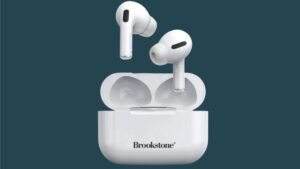
Koj puas xav paub yuav ua li cas txuas Naztech wireless earbuds rau koj cov khoom siv? Naztech Wireless earbuds muaj lub suab nrov-txo microphone uas tuaj yeem tig 180 degrees rau kev siv nrog sab laug lossis sab xis pob ntseg. Ergonomic tsim rau kev nplij siab txhua hnub nrog cov khoom siv tshwj xeeb txheej . Nws tiv thaiv tawm hws thiab nchuav tib lub sijhawm. Lawv kuj muaj 2 qhov ntau thiab tsawg ntawm pob ntseg gels (S thiab L) thiab micro USB them cable.
Li ntawd, yog li, if you don’t know how to connect them, don’t fret in his post we will give you a complete guide on how to connect them, how to use them, how to turn them on and off, and how to check battery level. Ces, Cia peb pib!
Txuas Naztech Wireless Earbuds
Txuas Naztech Wireless Earbuds follow the steps carefully.
- Thawj, make sure that the earbuds are fully charged and in the case.
- Take out of the case they will automatically turn on and go into pairing mode. If they do not turn on or are not in pairing mode simply press and hold the power button on both earbuds for 3 vib nas this.
- Then go to your device settings and enable Bluetooth.
- Select Naztech Wireless Earbuds from the available list.
- If the device prompts for a PIN Code enter 0000.
- After that You will hear Device Connected confirming the
- successful connection
Nco ntsoov: The earbuds will automatically connect to the last
paired Bluetooth audio device when you turn on them or take them out from the case.
Yuav ua li cas fais fab rau thiab tua
Lub Hwj Chim Rau
There are 2 ways to power On the Naztech Wireless Earbuds.
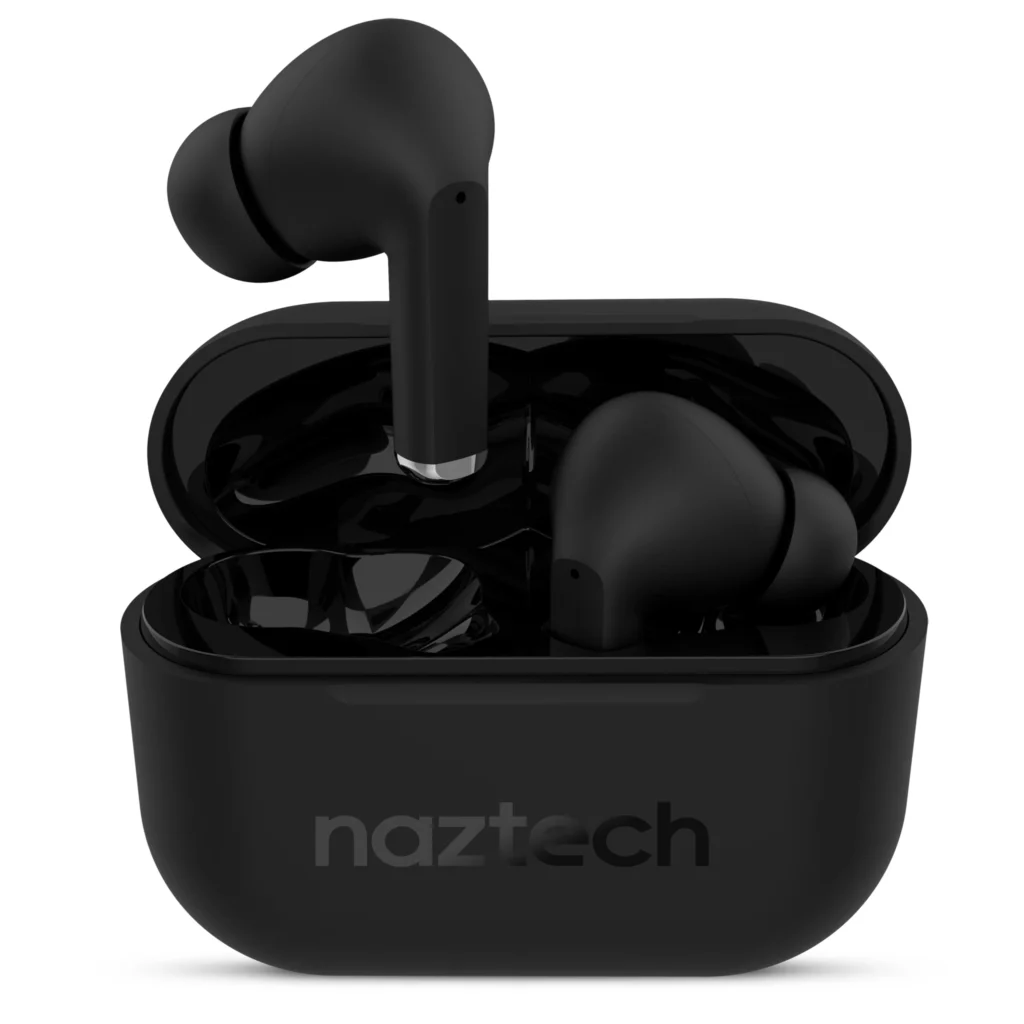
- Remove the earbuds from the charging case. Lawv yuav qhib tau nws tus kheej.
- Press and hold the power button on both earbuds at the same time for 5 seconds until you hear Power On.
Hluav Taws Xob Tua
There are 2 ways to power Off the Naztech Wireless Earbuds.
- Place the earbuds in the charging case and close the lid. They will turn off automatically
- Press and hold the power button on the earbuds at the same time for 5 seconds until you hear Power Off.
Cov lus qhia kev nyab xeeb
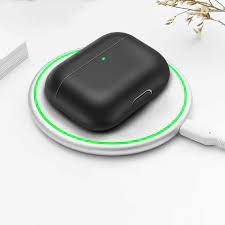
- Store earbuds in the case when not in use.
- Do not store the device in a dead battery state. Battery cells may be damaged. Charge your earbuds case at least once every 3 months even when not in use.
- Tsis txhob khaws cia rau qhov kub heev. Khaws cia qis dua 40 ° F lossis siab dua 90 ° F.
- Lub thawv them tsis muaj dej. Tsis txhob submerge lossis nthuav tawm rau cov khoom siv corrosive. Tsis txhob ntxuav nrog cov tshuaj hnyav, xab npum, lossis tshuaj ntxhua khaub ncaws.
- Rov them koj lub thawv them nrog USB-C them cable lossis daim ntawv pov thawj thib 3 cable thiab 2A charging adapter.
- Teem lub ntim rau qib kev nyab xeeb yog tias koj hnov ib qho tas mus li.
- Tsis txhob sim hloov kho, disassemble, lossis kho cov khoom no.
FAQs los txuas Naztech Wireless Earbuds
Yuav ua li cas tswj lub ntim ntawm lub mloog pob ntseg?
Koj tuaj yeem kho lub ntim mus rau qib xis nyob los ntawm nias lub ntim + lossis ntim qis – nyees khawm ntawm koj lub smartphone, tablet, lossis lwm yam khoom siv txuas nrog.
Yuav ua li cas them lub Naztech Wireless Earbuds?
Them koj lub pob ntseg Naztech Wireless tsuas yog muab lawv lub pob ntseg rov qab rau hauv lawv lub thawv them. Ces, txuas lub thawv them rau lub zog siv USB cable suav nrog. Cov txheej txheem them yuav pib tsis siv neeg.
Puas yog Naztech muaj roj teeb lub neej ntev?
Muaj, lub Naztech muab 5 teev ntawm lub sijhawm ua si suab tsis tu ncua, uas yog qhov zoo nkauj rau lub mloog pob ntseg wireless. txuas ntxiv, nrog lub rooj plaub, nws muab tag nrho lub sijhawm playback ntawm 25 teev.
Puas yog Naztech Wireless pob ntseg haum rau cov neeg nyiam suab paj nruag?
Muaj, lub Naztech Wireless pob ntseg tau pom zoo tshwj xeeb rau kev siv suab paj nruag.
Xaus
Hauv tsab xov xwm no, peb yuav muab koj phau ntawv qhia yuav ua li cas txuas Naztech Wireless Earbuds. Naztech Wireless earbuds yog tsim los txuas rau ntau lub cuab yeej. Cov cuab yeej muaj txiaj ntsig no kuj tseem muaj dej thiab hws. Yog tias koj xav txuas koj lub pob ntseg tshiab rau koj cov cuab yeej ces koj tuaj yeem ua raws li cov txheej txheem saum toj no.
After connecting, these earbuds let you enjoy the fullest benefits. Yog li ntawd yog txhua yam koj xav paub Yuav ua li cas txuas Naztech Wireless Earbuds rau koj lub cuab yeej. Zaj no yuav pab koj heev!