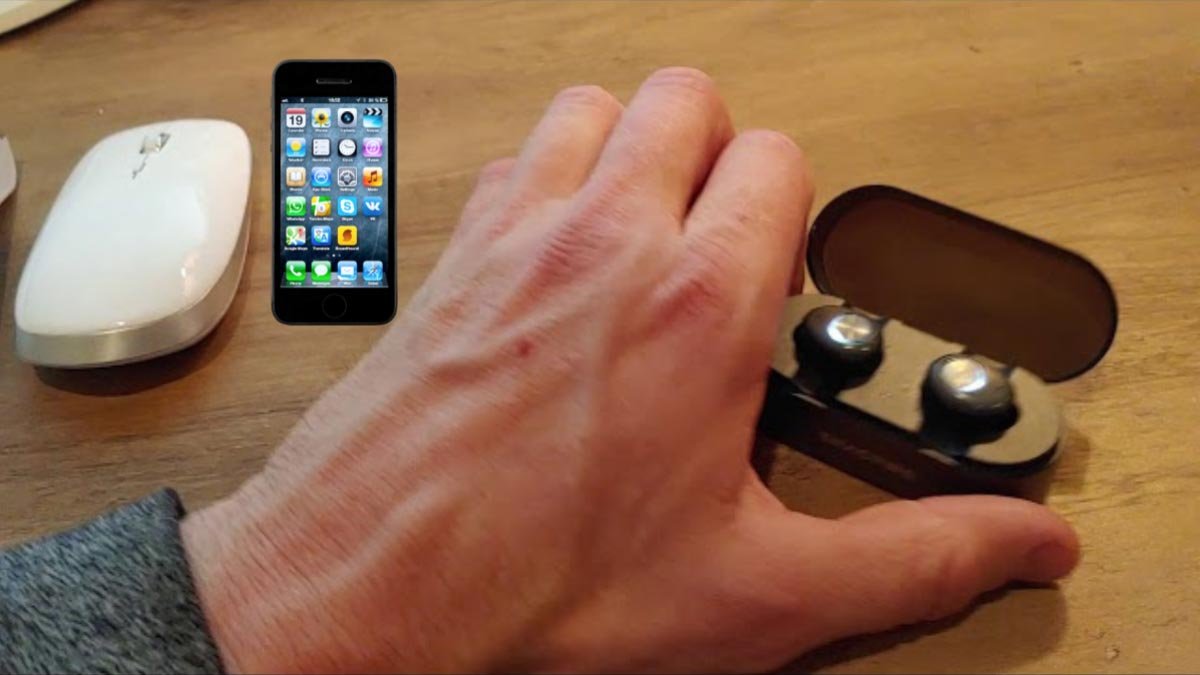
Gi emparejar auriculares Enacfire E18 ko yá dispositivos? gama conexión auriculares Enacfire E18 asta asta 33 ft siempre ne nu'bu̲ ár dispositivo 'bu̲i mbo jar gama, Enacfire E18 Bluetooth earbuds garantizar 'me̲i hño mäs xi hño da auriculares ya incrustados ar alambre.
Earbuds inalámbricos Bluetooth E18 xi durar más 4 ora ñä Pa ne 2.5-3 ora reproducción 'me̲i ja 'nar sola carga. mente da dige ar marcha ar nt'ot'e portátil ar caja carga tsa̲ da durar asta 15 a (recargar asta asta 4-5 times full charge for the Bluetooth earphones). You can go for a day without power.
But if you do not know how to pair them with your devices. We give you a complete guide to pairing, e, and how to control them. Nja'bu da, let’s get started and dive into the details!
Honja encender ne apagado
Power On
1: Encender manualmente
To power on the Enacfire E18 Earbuds press and hold the multi-function button for 2 sobras. The LED lights flash for 1 second with the voice prompt power on.
2: Encender automáticamente
Take out the Earbuds from the dock, they will automatically power on with the voice prompt power on.

Apagado
1: Apagado manualmente
Press the multi-function button for 4 sobras, and the white LED light flashes for 1 a, with the voice prompt powered off.
2: Apagado automáticamente
Put the earbuds back into the dock they will automatically power off.
How to Pair Enacfire E18 Earbuds
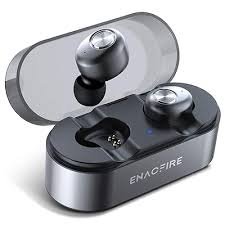
To pair Enacfire E18 Earbuds to your device follow the steps carefully.
- 'Me̲t', take out the earbuds from the dock they will automatically on. If they do not power on, power on them by pressing and holding the multi-function button for 2 seconds until the LED lights flash blue.
- Gem'bu̲, esperar 2 seconds for the left and right headset to be connected automatically. The main earbud (the left one) will be on pairing mode with LED light flashing in blue and white alternatively.
- Nu'bya, on your device go to settings and turn on the Bluetooth.
- 'Me̲fa 'ra ya 'na̲te ya mfe̲ts'i., a list appears on your device, from the list search Enacfire E18 and select it to pair with your device.
- If asking for a PIN enter 0000.
- Nu'bya, your earbuds are connected to your device and ready to use.
Honja controlar ya auriculares
Llamada
Press the multi-function button on any earbuds to answer or end a call.
Double-press the multi-function button to reject a call.
Marcación ar hñä
Long press the multi-function button (the left one) for 1 second to start the voice dial function of the mobile phone. Press the multi-function again for 1 second to exit from the voice dialing mode.
Ajustar ar volumen ne reproducir 'me̲i
- Press the multi-function button to play and pause the music.
- Double-press the multi-function button to skip the next track.
- Press the right earbud to increase the volume.
- Press the left earbud to down the volume.
Carga ne indicación bateriya
Auriculares cargando
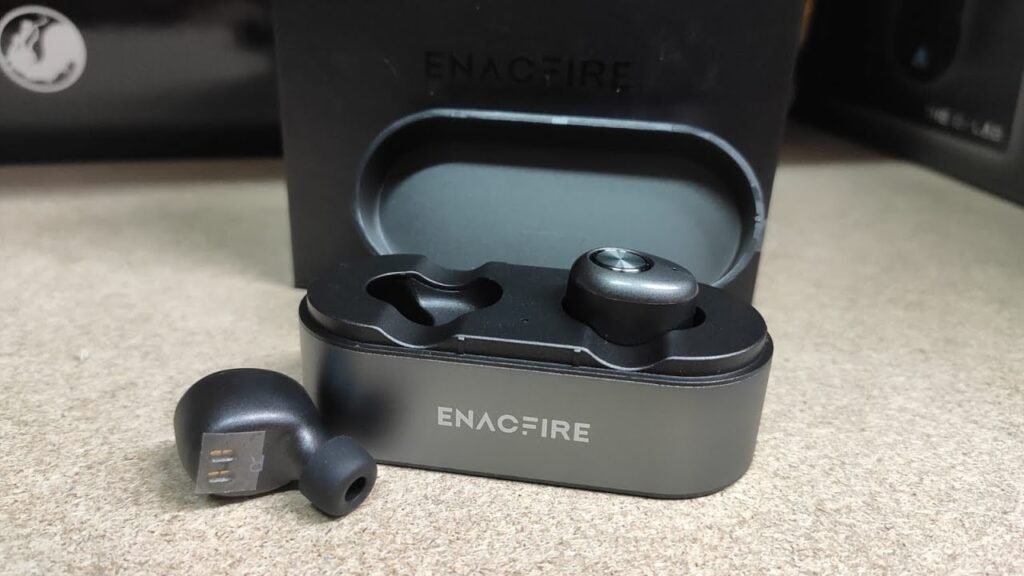
To charge the earbuds put them in the dock they will automatically start charging. It takes about 1 hour to fully charge, and when the earbuds are fully charged the white LED light will turn off.
Carga ar muelle
To charge the dock use the 5V 1A adapter to charge, otherwise it may damage the Headset. It takes about 2 hours to fully charge, and when the dock is fully charged the blue LED light will turn off.
Indicador ar LED ar muelle
Dock battery percentage.
- 0 – 25% Blue indicator flashes 1 time every 2 sobras.
- 25% – 50% Blue indicator flashes 2 times every 2 sobras.
- 50% – 75% Blue indicator flashes 3 times every 2 sobras.
- 75% – 100% Blue indicator flashes 4 times every 2 sobras, until it the fully Charged, and the blue light flash stops being light on.
Descarga muelle
- 0 – 25% blue indicator flashes 1 time.
- 25% – 50% blue indicator flashes 2 tiempos.
- 50% – 75% blue indicator flashes 3 tiempos.
- 75% – 100% blue indicator flashes 4 tiempos.
Specifications
- Versión Bluetooth: 4.2
- Support HFP, HSP, and AVRCP Bluetooth profiles
- Dimension:20 x 16 x14.5mm
- Support iPhone/iPad battery indication
- Bluetooth normal distance range: 10M
- Battery Capacity
- Headsets: 50mAh
- Dock: 500mAh
- Talk/Music time: 2.5-3H
- Standby time: 240H
- Support Voice Prompt
Njäts'i nu'bu
We hope after reading this article you will be able to pair Enacfire E18 Earbuds with your desired device, how to use. How to charge it, how to control it, and its specifications. Nja'bu da, all you need to know is how to pair Enacfire E18 Earbuds. We hope this article will help you a lot about this product!